

Here’s the brutal truth: your AI workflow for daily posting is probably broken. You’re spending two hours per post, fighting with prompts that spit out robotic garbage, and wondering why “the AI thing” isn’t working for you. I get it—I burned three months trying to force AI into my process before I figured out what actually works.
The frustration compounds when you watch competitors pump out consistent, quality content while you’re still staring at a blank screen. You bought the tools. You watched the tutorials. Yet here you are, still manually grinding through every caption, every blog intro, every email subject line.
The problem isn’t AI—it’s that nobody taught you how to build a batching workflow that treats AI as an accelerant, not a replacement. I cracked this code after managing content operations for brands pushing 200+ posts weekly, and I’m about to hand you the exact system.
Table of Contents
- What Is an AI Workflow for Daily Posting?
- The 30-Minute Daily Framework I Actually Use
- Content Calendar Automation: Your Foundation
- Building Your Batching Workflow That Scales
- Creating Your Creator SOP
- Advanced Tactics Most Creators Miss
- Frequently Asked Questions
- My Top Recommended Gear
What Is an AI Workflow for Daily Posting?
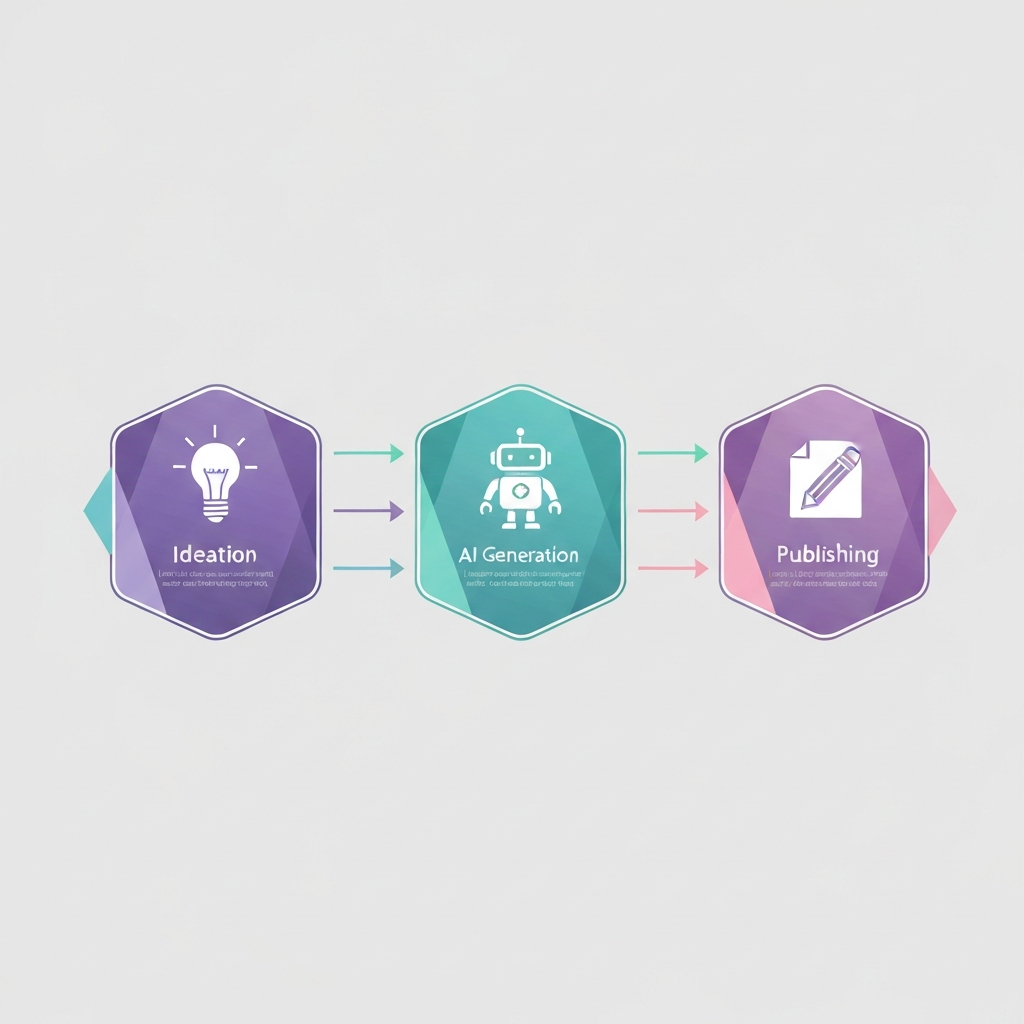
Answer Target: An AI workflow for daily posting is a systematic process combining artificial intelligence tools with human oversight to create, schedule, and publish content consistently. It includes prompt templates, content calendars, batch processing sessions, and quality checkpoints—reducing daily content creation from hours to approximately 30 minutes.
Think of it like an assembly line where AI handles the heavy manufacturing while you focus on quality control and adding the human spark. The workflow concept itself isn’t new—manufacturing perfected it decades ago. We’re just applying those principles to content.
What separates a mediocre AI workflow from one that actually performs? Three things: intentional prompt engineering, strategic batching, and ruthless editing. Most creators nail maybe one of these. I’m going to show you how to execute all three.
The 30-Minute Daily Framework I Actually Use
Every morning, I sit down at 6:30 AM with my coffee and execute this exact sequence. No deviation, no “I’ll figure it out today” nonsense. Here’s the breakdown:
- Minutes 1-5: Review yesterday’s analytics, note what resonated
- Minutes 6-12: Pull pre-batched content from my queue, customize hooks based on trends
- Minutes 13-22: Run AI refinement prompts for personalization and platform optimization
- Minutes 23-27: Final human edit—inject stories, fix robotic phrasing, add personality
- Minutes 28-30: Schedule and cross-post using automation tools
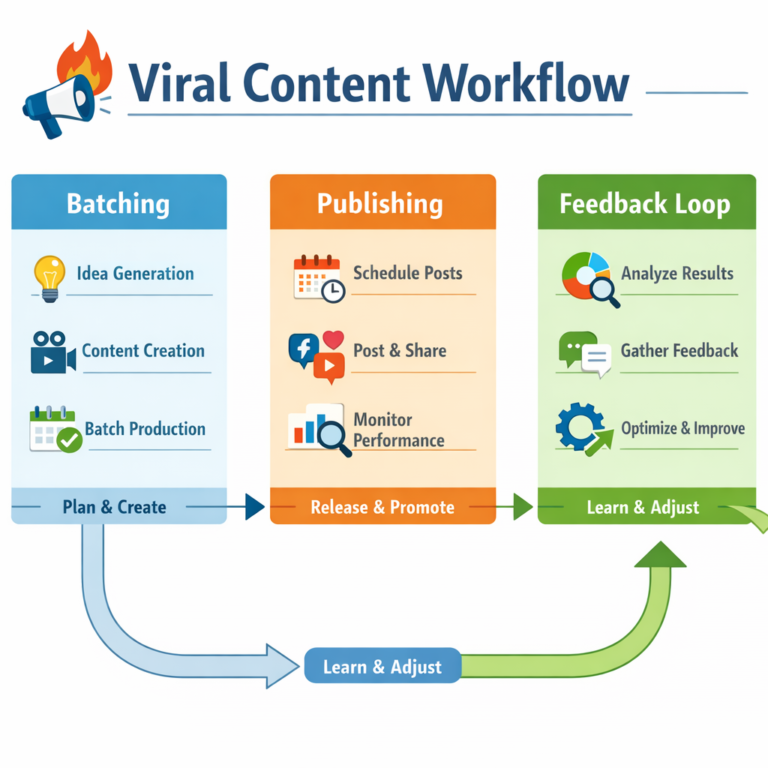
Notice I’m not generating content from scratch every morning? That’s the myth nobody busts: daily posting doesn’t mean daily creation. The viral content workflow for beginners I outlined previously covers this foundational concept in detail.
The magic happens in batching sessions I run every Sunday. One focused three-hour block produces enough raw material for two weeks. Then my daily 30 minutes becomes refinement and publishing—not creation.
Content Calendar Automation: Your Foundation
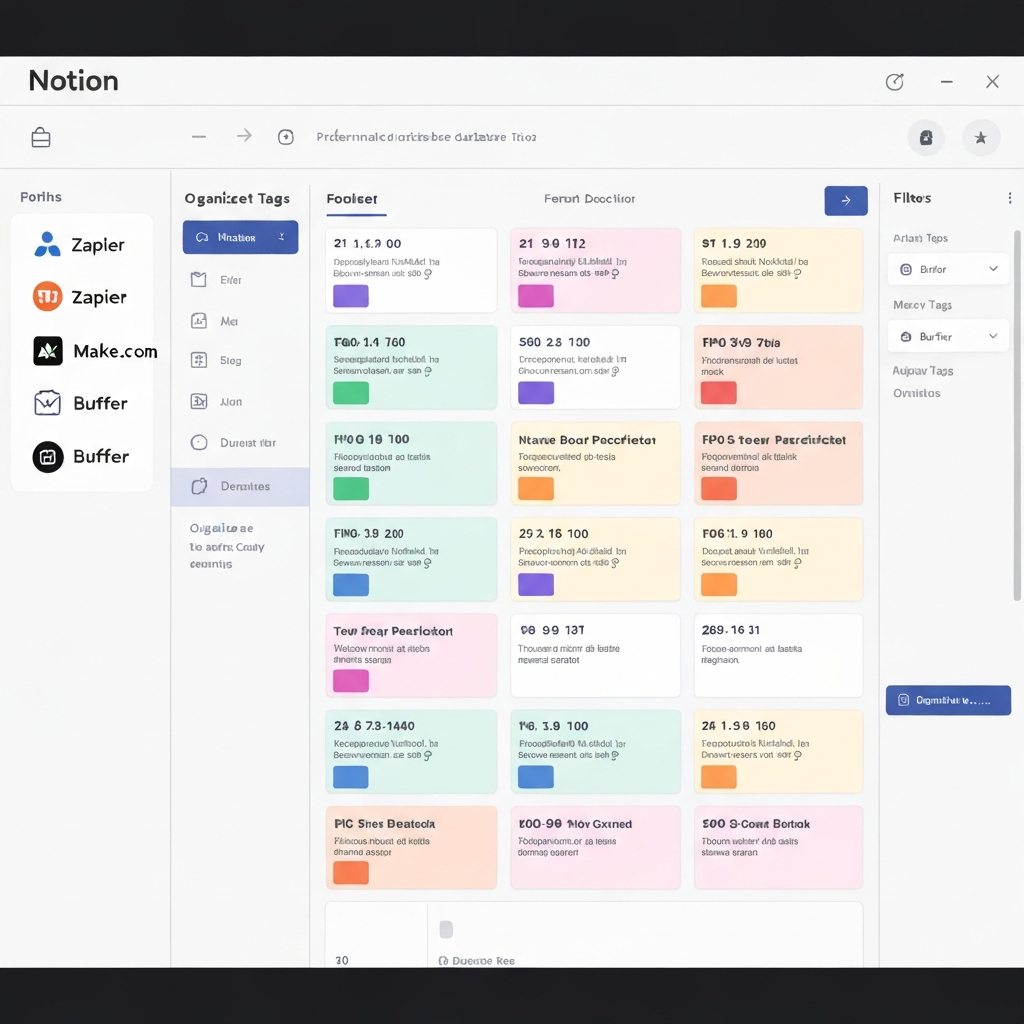
I’ve tested every content calendar automation setup imaginable, and here’s what I’ve landed on: Notion for planning, Make (formerly Integromat) for automation triggers, and Buffer for scheduling. This stack costs under $50/month and outperforms tools charging five times more.
The content calendar itself needs specific properties that most templates miss:
- Content Pillar Tags: Every post maps to 1 of 4-5 core topics
- Platform Variants: Same core idea, different executions per channel
- Status Tracking: Idea → Drafted → AI-Enhanced → Edited → Scheduled → Published
- Performance Logging: Engagement data fed back into the same row
Why does this matter? Because automation without structure creates chaos. I’ve seen creators automate themselves into posting the wrong content on the wrong platform—complete disasters that tank engagement for weeks. Your calendar is the brain; automation is just the muscle.
Building Your Batching Workflow That Scales
Here’s where my approach diverges from the “gurus” telling you to batch-create finished posts. That advice sounds logical but falls apart in practice. Why? Trends shift, news breaks, and two-week-old content often feels stale on delivery. My batching workflow creates components, not complete pieces.
During my Sunday session, I batch these elements separately:
- Hook variations: 20-30 opening lines across different angles
- Story snippets: Personal anecdotes and case studies, polished and ready to insert
- CTA frameworks: Multiple call-to-action options per content type
- Platform templates: Structure templates for Twitter threads, LinkedIn posts, Instagram carousels
Then daily, I assemble these pre-made components like LEGO blocks based on what’s relevant that day. Fresh content with batched efficiency—best of both worlds, tbh.
The Harvard Business Review research on productivity backs this modular approach. Context-switching kills efficiency; focused batching preserves it.
🔥 Pro Recommendation: AI Content Automation Tool
After testing dozens of AI content tools, I keep coming back to Content Gorilla for batch content generation. It handles the heavy lifting of creating initial drafts across multiple platforms, and the template system integrates perfectly with my batching workflow. If you’re serious about scaling daily output without burning out, this is worth checking out.
Creating Your Creator SOP
A creator SOP (Standard Operating Procedure) separates hobbyists from professionals. Mine lives in a Notion doc that I reference every single session. It removes decision fatigue and ensures consistent quality even when I’m running on four hours of sleep. 🙂
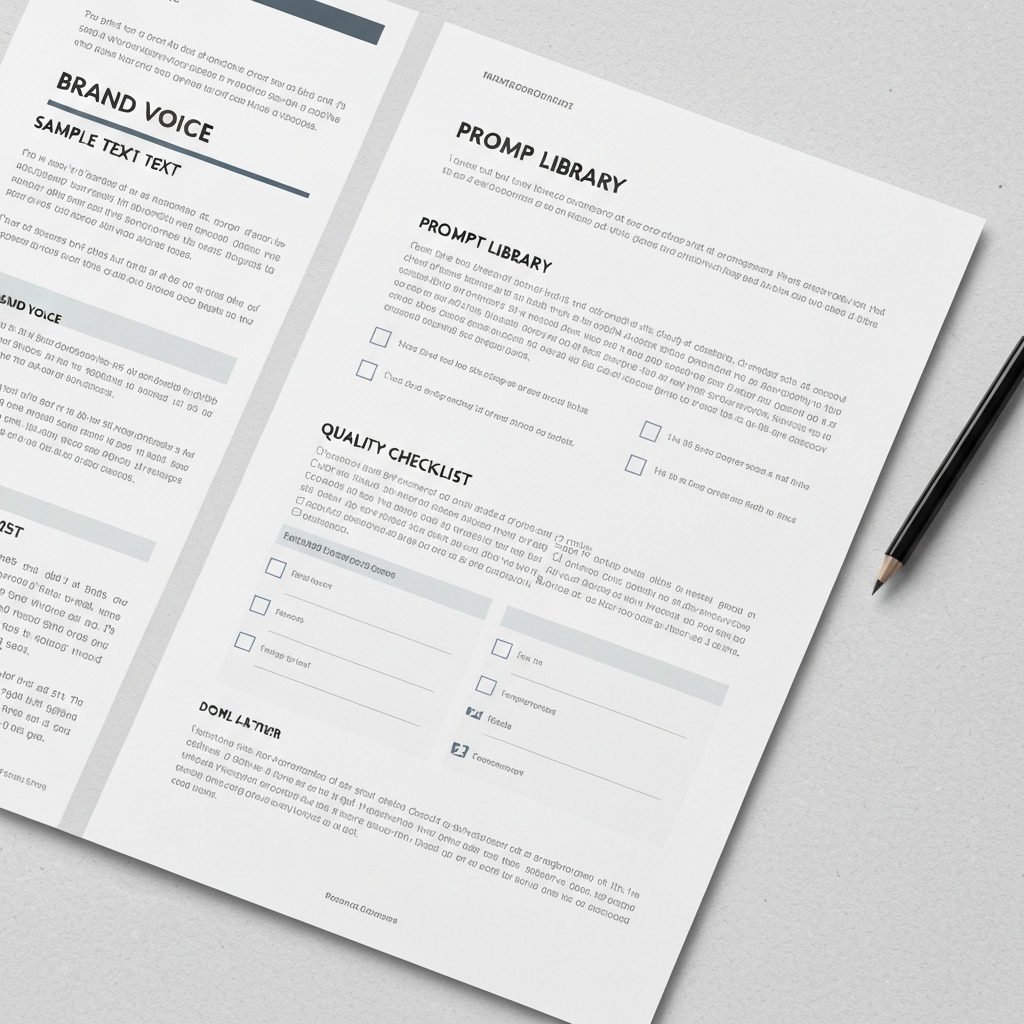
Your creator SOP needs these sections:
- Brand Voice Guidelines: Specific words I use, words I avoid, tone markers
- Prompt Library: Tested prompts for every content type, organized by platform
- Quality Checklist: 10-point verification before anything goes live
- Crisis Protocols: What to do when automation fails or controversy erupts
- Hashtag Banks: Pre-researched hashtag sets for different content pillars
The prompt library deserves special attention. Generic prompts produce generic content—that’s why most AI-generated posts read like they came from the same boring robot. My prompts include specific voice instructions, structural requirements, and even “anti-patterns” telling the AI what NOT to do.
Here’s an example from my actual library: “Write a LinkedIn post about [TOPIC] in a conversational, first-person voice. Open with a contrarian statement. Include one specific metric or case study. End with a question, not a generic CTA. Do NOT use phrases like ‘Are you ready to’ or ‘Here’s the thing.’ Maximum 150 words.”
See the difference? Specificity breeds quality. Document everything in your SOP format so you can delegate or systematize later.
Advanced Tactics Most Creators Miss
Let me share three techniques that moved my content game from “consistent” to “crushing it”—and none of them involve buying another course. IMO, these separate the top 5% of AI-powered creators from everyone else.
Tactic #1: Reverse-Engineering Top Performers
Every week, I analyze three viral posts in my niche. Not to copy—to extract structural patterns. What’s the hook formula? Where do they place the twist? How do they handle the CTA? I feed these observations into my prompt library as structural templates.
Tactic #2: The Human Fingerprint Protocol
After every AI generation, I apply what I call the “fingerprint check.” Does this sound like something only I would say? If not, I inject a personal story, a specific client name (with permission), or a controversial opinion. Generic AI output with a human fingerprint beats “pure” human content that’s boring.
Tactic #3: Engagement-Based Iteration
Most creators publish and forget. I track which AI-generated hooks perform best, then feed winning patterns back into my prompt templates. This creates a compounding improvement loop—my prompts get smarter every month because they’re trained on my actual performance data.
These tactics require maybe 30 extra minutes weekly but multiply your results dramatically. The irony? They’re all fundamentally human activities enhanced by AI, not replaced by it.
Frequently Asked Questions
How long does it take to set up an AI workflow for daily posting?
Initial setup takes 2-4 hours, including tool configuration, prompt template creation, and calendar automation. After that, daily execution requires only 25-30 minutes. Most of that upfront time goes into building your prompt library and SOP documentation.
What AI tools work best for content batching workflows?
ChatGPT, Claude, and Jasper excel at content generation. Pair them with scheduling tools like Buffer or Hootsuite, and use Notion or Airtable for content calendar automation. The specific tools matter less than having integrated workflows between them.
Can I automate daily posting without losing authenticity?
Absolutely. The key is using AI for ideation and first drafts while adding your personal voice, stories, and insights during the editing phase. This hybrid approach maintains authenticity while saving time. Your audience can’t tell the difference if you execute properly.
What should a creator SOP include for daily content?
A solid creator SOP includes prompt templates, brand voice guidelines, content pillars, hashtag banks, posting schedules, and quality checklists. Document each step so it becomes repeatable and eventually delegable to team members or virtual assistants.
How do I handle content when AI generates something off-brand?
This happens to everyone. Build a quick rejection protocol: if content fails your brand voice check within 30 seconds of reading, regenerate with more specific prompt instructions or manually rewrite. Never publish something that feels wrong just because AI made it.
My Top Recommended Gear
Beyond software, these physical tools make my content creation sessions more efficient and professional. I use all three daily:
- Elgato Key Light: Proper lighting makes even smartphone video look professional. Essential for any video content in your mix. Check current pricing on Amazon
- Blue Yeti USB Microphone: Clear audio separates amateur content from pro-level output. This is my daily driver for podcasts and video voiceovers. Check current pricing on Amazon
- Logitech Brio 4K Webcam: When you’re batch-recording video content, quality matters. This webcam delivers crisp footage without complicated setup. Check current pricing on Amazon
Investing in quality gear pays dividends when you’re producing content daily. Poor audio or lighting undermines even the best content strategy.
Disclaimer: This post contains affiliate links. As an Amazon Associate and ClickBank Partner, I may earn a commission from qualifying purchases at no additional cost to you.





2 Comments
Comments are closed.