

Table of Contents
- Why Your UTM Tracking for Social Media Is Probably a Mess
- The Five UTM Parameters You Actually Need to Understand
- Building Your Bulletproof UTM Naming Convention
- The Best UTM Structure for Campaign Tracking Social Media
- UTM Mistakes That Murder Your Analytics
- How I Actually Implement This (Without Losing My Mind)
- Frequently Asked Questions
- My Top Recommended Gear
Let me guess: your UTM tracking for social media looks like a digital dumpster fire. You’ve got “Facebook” and “facebook” showing up as different sources. Someone on your team used spaces, another used dashes, and Gary from sales created something called “utm_campaign=AWESOME_STUFF_CLICK_HERE!!!” Last month, you spent three hours trying to figure out which Instagram campaign actually drove conversions, only to discover your data is so fragmented it’s basically useless.
I’ve seen Fortune 500 companies with UTM strategies that would make you weep. The problem isn’t the concept—it’s that nobody bothered to create actual rules before unleashing their team on link builders. You end up with reporting that’s more abstract art than actionable intelligence.
Here’s the good news: fixing this doesn’t require a computer science degree or expensive software. You just need a solid UTM naming convention and the discipline to actually follow it. I’m going to show you the exact framework I’ve used to clean up tracking for clients managing seven-figure social budgets.
Why Your UTM Tracking for Social Media Is Probably a Mess
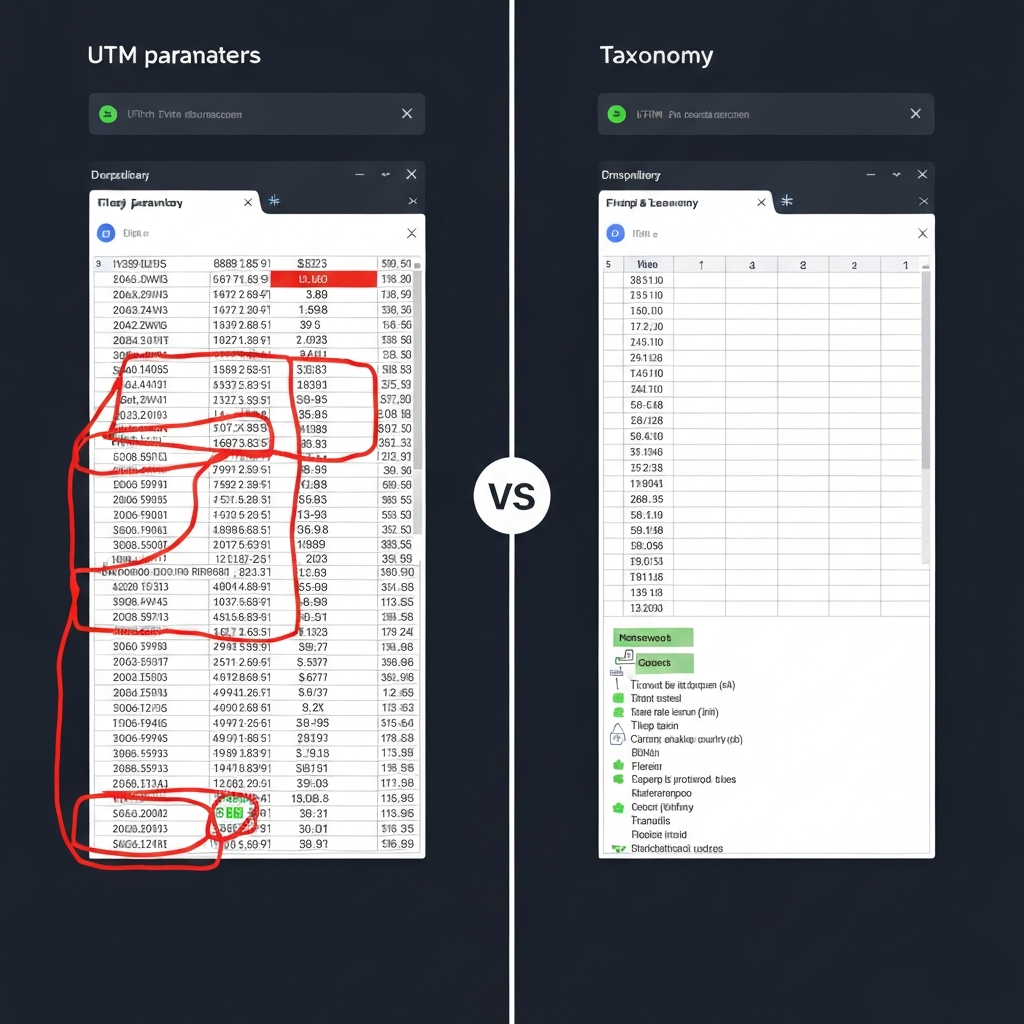
The typical scenario plays out like this: someone reads a blog post about UTM parameters, gets excited, and starts slapping them onto every social link without documenting anything. Three months later, your Google Analytics looks like a crime scene.
I see this pattern constantly. Marketing teams lack a standardized approach because nobody took 30 minutes to write down the rules. Different team members use different capitalization. They invent creative parameter values on the fly. They treat UTM building like freestyle jazz instead of classical composition.
The carnage shows up in your reports. Instead of one clear “facebook” source, you’ve got Facebook, facebook, fb, FB, and Facebook.com all appearing separately. Your campaign names read like someone had a seizure on the keyboard. You can’t compare performance month-over-month because nothing is consistent.
This fragmentation costs you real money. You can’t accurately attribute conversions. You waste budget on underperforming platforms because your data is too messy to analyze properly. You make strategic decisions based on gut feeling instead of clean numbers. If you’re serious about measuring social media ROI, your UTM hygiene needs to be immaculate.
The Five UTM Parameters You Actually Need to Understand
UTM tracking for social media relies on five URL parameters that tell Google Analytics exactly where your traffic originated. Think of them as digital breadcrumbs that follow visitors from social post to conversion. Here’s what each one actually does:
utm_source: This identifies the specific platform sending traffic. For social, I use values like “facebook,” “instagram,” “linkedin,” or “twitter.” Never get creative here—stick to official platform names. According to Google’s official documentation, this parameter is required for all campaigns.
utm_medium: This categorizes the marketing channel type. For all social media activity, I use “social” consistently. Some people use “social_paid” versus “social_organic,” which works if you maintain discipline. Pick one approach and make it law.
utm_campaign: This is where you identify the specific initiative or promotion. I structure mine as “objective_date_descriptor” (more on this structure below). This parameter separates your summer product launch from your holiday sale from your brand awareness push.
utm_content: This differentiates variations within the same campaign. I use it to track different creative assets, ad placements, or post types. Values might be “video_testimonial,” “carousel_product,” or “story_swipeup.” When you’re A/B testing creatives, this parameter becomes your best friend.
utm_term: Originally designed for paid search keywords, I repurpose this for audience segments in social campaigns. Values like “lookalike_purchasers,” “retarget_cart,” or “cold_interest” help me understand which audiences convert best.
You don’t need to use all five parameters every time, but source and medium are mandatory. Campaign is effectively required if you want useful reporting. Content and term add granularity that separates good marketers from great ones.
Building Your Bulletproof UTM Naming Convention
A UTM naming convention is simply a documented set of rules that everyone follows. Without this, you’re building on sand. With it, you create a foundation for scalable, accurate campaign tracking social media that actually informs decisions.
Here are my non-negotiable rules that I enforce with every client:
Rule 1: Always lowercase. “Facebook” and “facebook” are different values in Analytics. I’ve wasted hours merging data because someone capitalized one letter. Lowercase everything, no exceptions. This single rule eliminates 80% of UTM chaos.
Rule 2: Use underscores, never spaces. URLs encode spaces as “%20” which looks unprofessional and creates readability issues. Underscores keep everything clean and parse correctly across all platforms. Some teams prefer hyphens—fine, just pick one and stick with it religiously.
Rule 3: Establish abbreviation standards. Long parameter values create ugly URLs. I maintain a master abbreviation list: “fb” for Facebook, “ig” for Instagram, “li” for LinkedIn. Document these abbreviations so new team members don’t invent their own.
Rule 4: Date formats matter. I use YYYYMM format in campaign names (202501 for January 2025). This keeps campaigns sorted chronologically in reports. Never write out month names or use ambiguous formats like 01-25 (is that January 2025 or January 25th?).
Rule 5: Maximum length limits. Keep individual parameters under 50 characters. Search engines may truncate extremely long URLs, and they look spammy. If you need more context, your naming structure is too granular.
Pro Recommendation: Automate Your UTM Building
I used to build UTMs manually in spreadsheets until I discovered systematic automation approaches. If you’re managing multiple campaigns across platforms, check out ClickMagick—it handles UTM generation, link tracking, and split testing in one platform. The bot detection alone has saved me thousands in wasted ad spend on fake clicks. For teams running serious social campaigns, the time savings pay for themselves in the first week.
The Best UTM Structure for Campaign Tracking Social Media
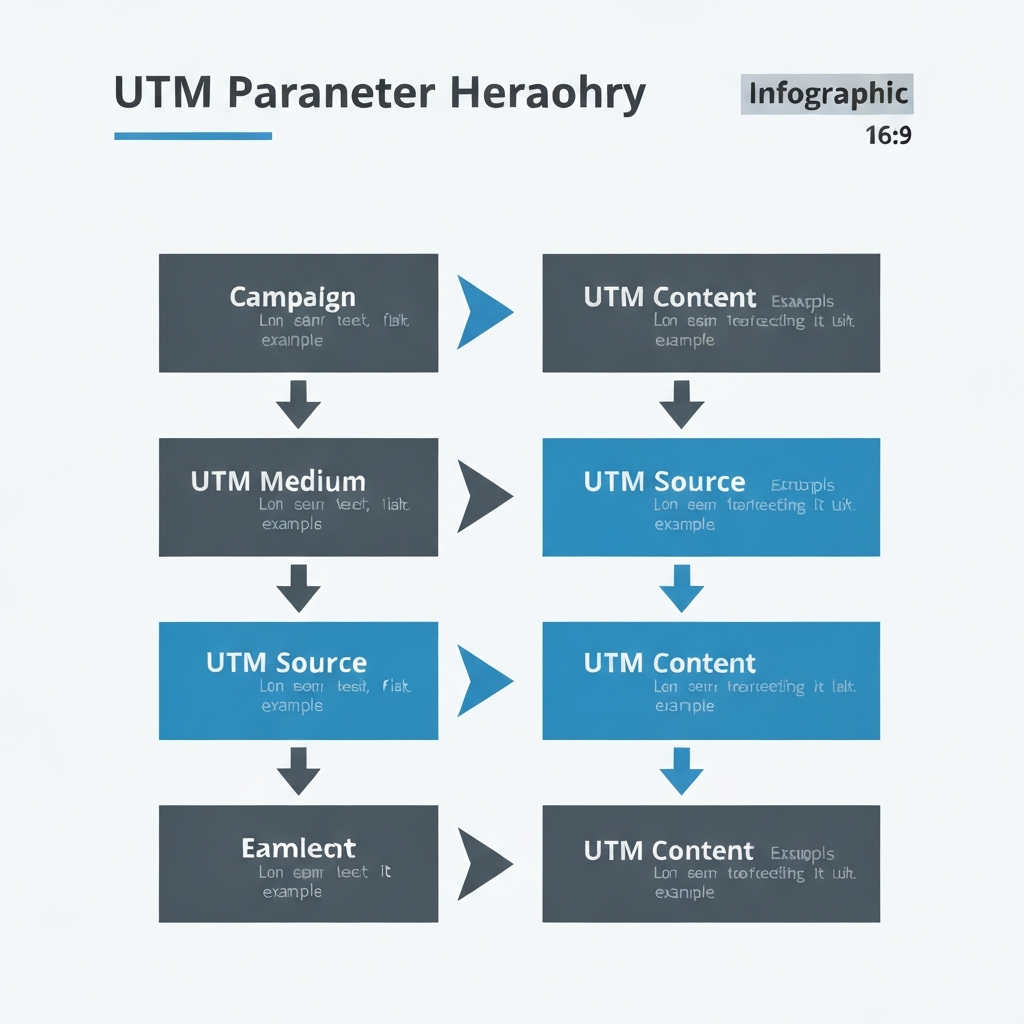
The best UTM structure balances detail with simplicity. You want enough granularity to answer business questions without creating a taxonomy nightmare. Here’s the exact framework I use:
Source structure: Use the official platform name in lowercase. My standard sources: facebook, instagram, twitter, linkedin, pinterest, tiktok, youtube, reddit. Never use “social” as a source—that’s what medium is for. Never use shortened URLs as sources.
Medium structure: I keep this dead simple. For organic social posts, I use “social” consistently. For paid social advertising, I use “social_paid” (some teams prefer “paid_social”—either works, just be consistent). This immediately separates paid from organic performance in reports.
Campaign structure: This is where strategy shows up. I use this format: [objective]_[date]_[descriptor]. For example: “awareness_202501_productlaunch” or “conversion_202412_holiday.” The objective comes first because I filter reports by goal. The date ensures chronological sorting. The descriptor adds context.
Common objectives I use: awareness, consideration, conversion, retention, engagement. Pick 4-6 that match your funnel stages and stick with them. Don’t invent new objectives mid-campaign.
Content structure: This identifies the specific creative or placement. I format it as [format]_[variation]. Examples: “video_a,” “carousel_testimonials,” “story_product,” “static_lifestyle.” When I’m A/B testing, I use simple letter suffixes: video_a, video_b, video_c.
Term structure: I repurpose this for audience segmentation. Format: [temp]_[descriptor]. Examples: “lookalike_purchasers,” “retarget_cart,” “cold_interest_fitness,” “warm_engaged.” This lets me quickly identify which audiences drive performance.
Let me show you a real-world example. I’m running a Facebook ad campaign promoting a new course, targeting people who abandoned their cart:
- utm_source=facebook
- utm_medium=social_paid
- utm_campaign=conversion_202501_courselaunch
- utm_content=video_a
- utm_term=retarget_cart
Full URL: yoursite.com/course?utm_source=facebook&utm_medium=social_paid&utm_campaign=conversion_202501_courselaunch&utm_content=video_a&utm_term=retarget_cart
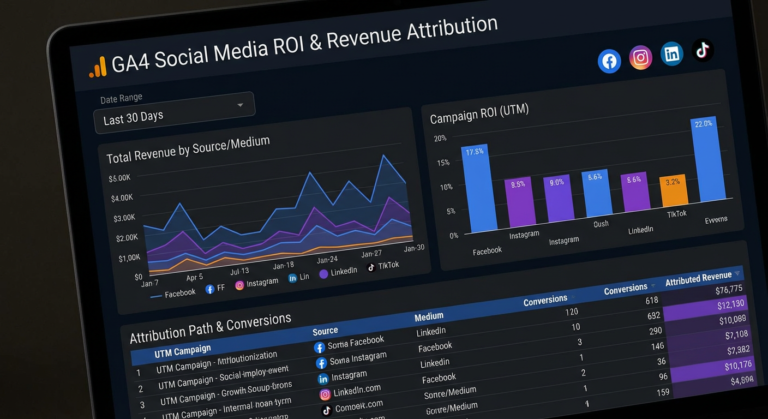
In Analytics, I can instantly see this traffic came from a Facebook paid conversion campaign in January 2025 for the course launch, using video creative variant A, targeting cart abandoners. That’s actionable intelligence. When you’re implementing social media ROI tracking in GA4, this level of clarity becomes essential for proper attribution.
UTM Mistakes That Murder Your Analytics
I’ve audited hundreds of social media campaigns, and I see the same errors repeatedly. These mistakes don’t just create messy reports—they lead to bad business decisions based on corrupted data.
Mistake 1: Inconsistent capitalization. This is the #1 killer. “Facebook,” “facebook,” and “FACEBOOK” are three separate sources in Analytics. I once worked with a client who had 17 variations of “Instagram” in their reports. Set up a style guide and enforce it ruthlessly.
Mistake 2: Using spaces instead of separators. Spaces get encoded as “%20” in URLs. Your links look like this: utm_campaign=summer%20sale%202025. Ugly, unprofessional, and harder to read in reports. Use underscores or hyphens consistently.
Mistake 3: Tagging internal links. Never put UTM parameters on internal site navigation. This resets the session attribution and corrupts your source data. UTMs are for external traffic sources only. I see this mistake constantly with email campaigns linking between site pages.
Mistake 4: Getting creative with parameter values. Your campaign name is not the place for jokes or lengthy descriptions. “utm_campaign=THIS_DEAL_IS_FIRE_CLICK_NOW_LIMITED_TIME” tells you nothing useful in a report six months later. Stick to your naming convention with discipline that borders on obsessive.
Mistake 5: Not documenting your taxonomy. If your naming rules only exist in your head, they don’t exist. I maintain a shared Google Doc with our UTM standards, approved abbreviations, and examples. New team members read it before creating their first campaign link. IMO, this document is more valuable than most marketing strategy decks.
Mistake 6: Forgetting mobile app deep links. UTM parameters work differently with app deep links. You need to configure them properly in your mobile measurement partner (like Adjust or AppsFlyer). Don’t just copy-paste your web UTMs and hope for the best.

How I Actually Implement This (Without Losing My Mind)
Theory is great, but execution is where most teams fail. Here’s my practical system for implementing clean UTM tracking for social media across an entire organization:
Step 1: Create the master documentation. I start with a Google Doc that outlines every rule, lists approved values for each parameter, and provides 10-15 real examples. This becomes the source of truth. I make it required reading for anyone touching social campaigns.
Step 2: Build a UTM generator template. I create a Google Sheet with dropdown menus for each parameter, pre-populated with approved values. Users select options from dropdowns, and a formula concatenates them into a properly formatted URL. This eliminates 90% of human error. You can’t break the rules if the tool won’t let you.
Step 3: Establish a review process. Before any campaign launches, someone (usually me or a senior team member) reviews the UTM structure. This 30-second check catches mistakes before they corrupt your data. We keep a “Launched Campaigns” tab in our tracking sheet with all active UTMs logged.
Step 4: Set up automated reporting. I create custom Google Analytics reports filtered by our standard parameter values. This makes inconsistencies immediately visible. If someone uses “fb” when the standard is “facebook,” it shows up in the report as a separate line item, and I can correct it quickly.
Step 5: Quarterly audits. Every three months, I export all traffic sources and check for variations, typos, or rule violations. I merge any variants and update our documentation with new learnings. This ongoing maintenance keeps the system clean.
The first time you implement this system, budget 2-3 hours for documentation and template building. After that, it’s 5 minutes per campaign and 30 minutes quarterly for audits. The ROI is massive—you’ll finally have social media data you can actually trust.
I also recommend integrating your UTM system with your social media management platform. Tools like Hootsuite and Sprout Social can auto-append UTM parameters based on templates you configure. This reduces manual work and enforces consistency automatically.
Frequently Asked Questions
What is the best UTM structure for social media?
The best UTM structure uses consistent lowercase naming, underscores instead of spaces, and a clear hierarchy: source (platform), medium (social), campaign (objective_date), content (creative_variant), and term (audience_segment). This framework provides granular tracking without overwhelming complexity.
How do I create a UTM naming convention?
Create a UTM naming convention by documenting your taxonomy rules, using consistent separators (underscores or hyphens), establishing abbreviation standards, and maintaining a shared spreadsheet or documentation that your entire team can access. Include real examples and make it required reading for anyone creating campaign links.
Why is UTM tracking for social media important?
UTM tracking for social media provides granular visibility into which platforms, campaigns, creatives, and audience segments drive real conversions. Without proper UTM implementation, you’re flying blind—unable to optimize budget allocation or prove ROI with hard data instead of vanity metrics.
What are the five UTM parameters?
The five UTM parameters are: utm_source (traffic origin like facebook), utm_medium (marketing channel like social), utm_campaign (specific initiative), utm_content (creative variation), and utm_term (paid keyword or audience segment). Source and medium are required; the others add valuable granularity.
Should I use UTM parameters on internal links?
Never use UTM parameters on internal links between pages on your own website. This resets the session attribution and corrupts your source data. UTM parameters should only be used on external traffic sources—social posts, ads, email campaigns, partner sites, etc.
How long should my UTM parameters be?
Keep individual UTM parameters under 50 characters each. Shorter values improve readability in reports and prevent URL truncation issues. If you find yourself writing dissertation-length parameters, your taxonomy is too granular—simplify and use consistent abbreviations.
Can I change my UTM naming convention mid-campaign?
You can change your convention, but it creates historical data inconsistencies. If you must update your standards, document the change date clearly and apply new rules only to future campaigns. For historical analysis, you’ll need to manually map old values to new ones or accept segmented reporting.
What’s the difference between utm_content and utm_term for social?
For social media, I use utm_content to differentiate creative variations (video_a, carousel_product, static_testimonial) and utm_term to identify audience segments (lookalike_purchasers, cold_interest, retarget_cart). This separation lets me answer two different questions: which creative works best and which audience converts highest.
My Top Recommended Gear
These are the tools I actually use for managing UTM tracking and social media analytics. Not sponsored fluff—these are in my daily workflow:
- Google Analytics 4 Training Books – GA4 changed everything about UTM reporting. A solid reference book saves hours of YouTube tutorial rabbit holes. I keep one on my desk for quick lookups when building custom reports.
- Dual Monitor Setup – Analyzing campaign performance with one screen is brutal. I keep Analytics on one monitor and my campaign tracker spreadsheet on the other. The productivity boost is real, and your neck will thank you.
- Campaign Tracking Templates – While I build my own, having professional templates as a starting point accelerates implementation. Look for ones with built-in formulas and validation rules that enforce proper formatting automatically.
Disclaimer: This post contains affiliate links. As an Amazon Associate and ClickBank Partner, I may earn a commission from qualifying purchases at no additional cost to you.


2 Comments
Comments are closed.