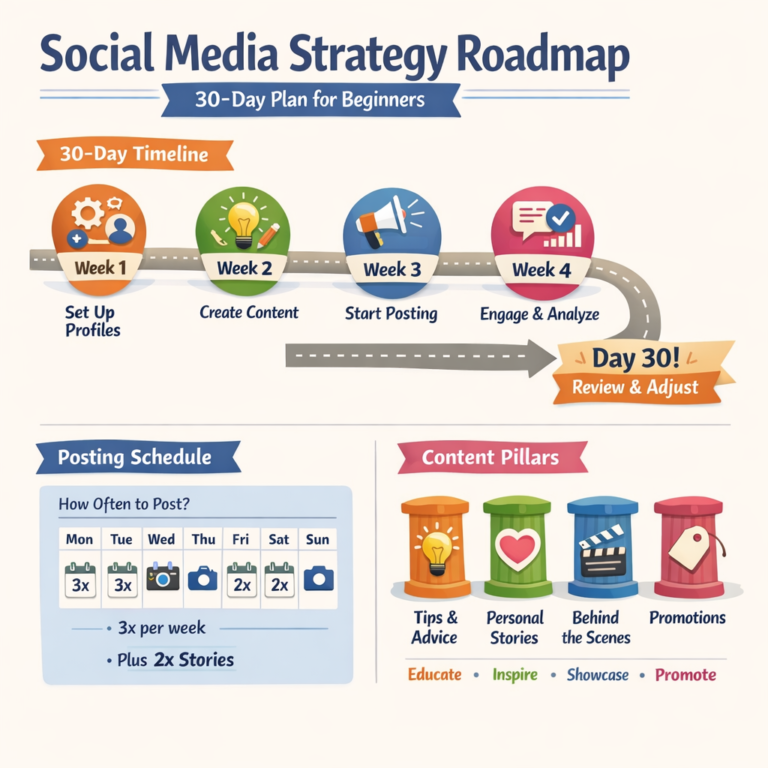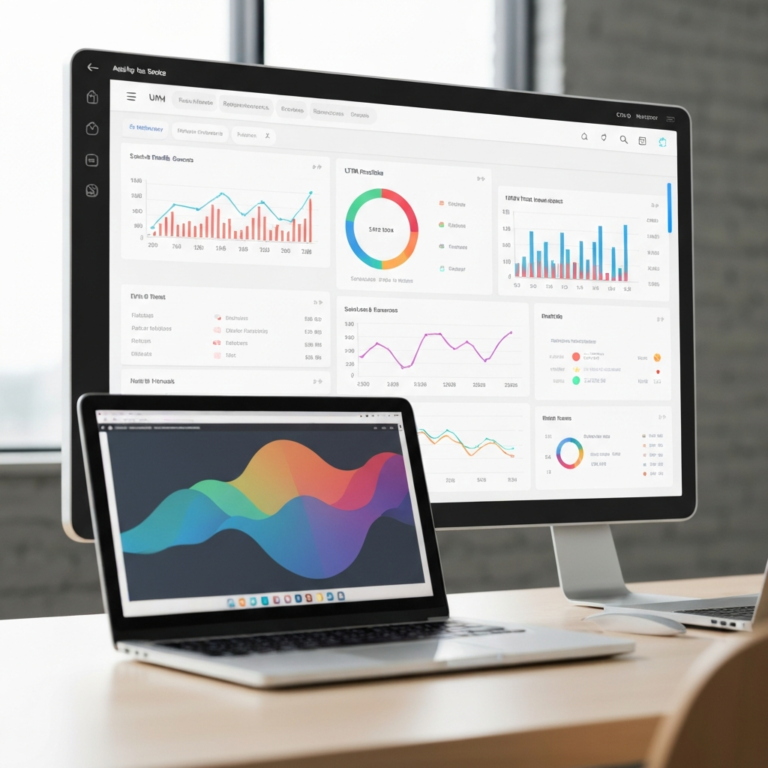
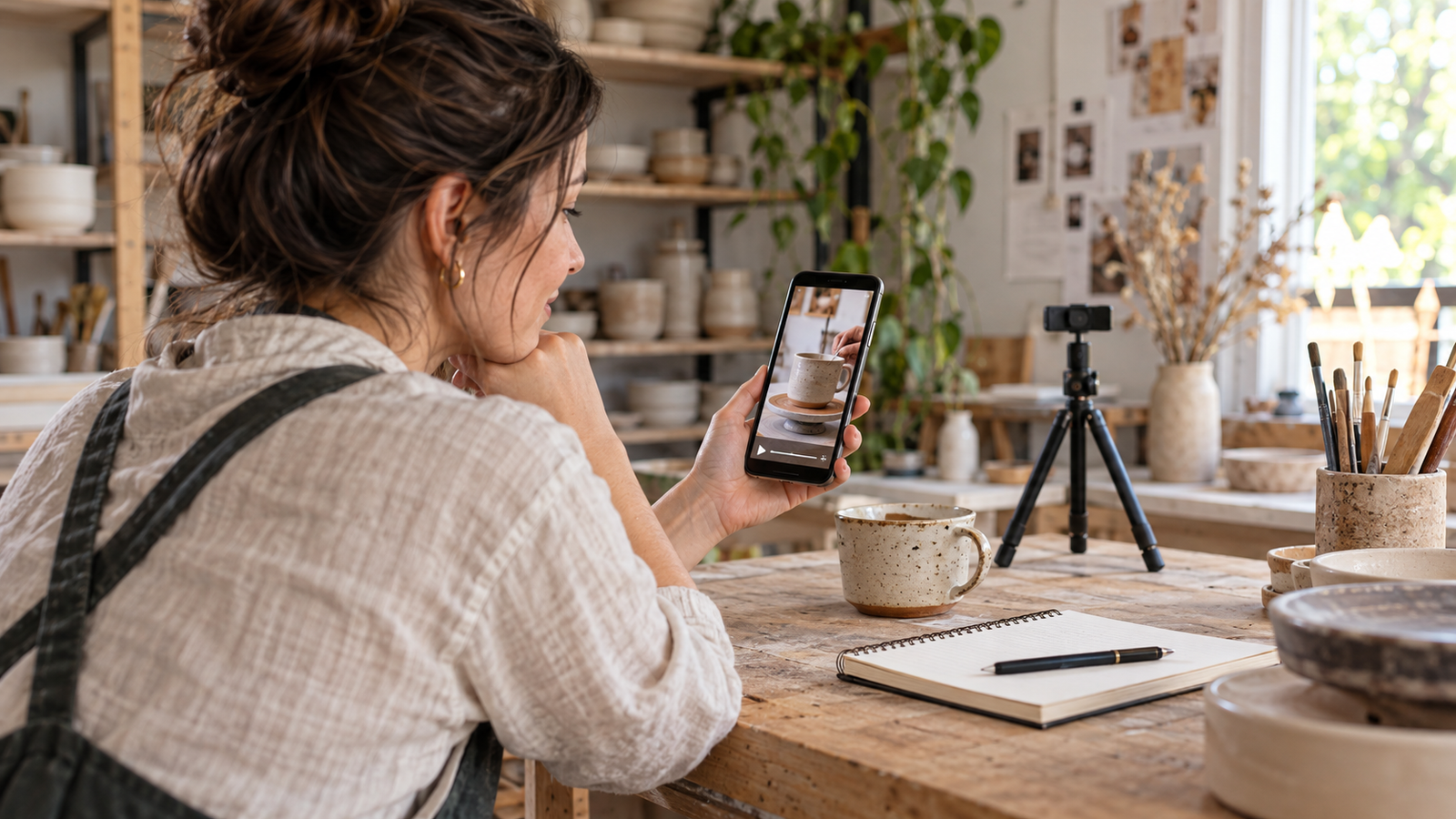
Instagram Edits can turn the footage already sitting on your phone into a useful sales conversation. The mistake is opening the timeline before deciding what a customer needs to see. A beautiful montage of a mug rarely answers whether its handle is comfortable, how much it holds, or why it costs more than a supermarket cup.
This Instagram Edits tutorial follows a fictional ceramics business from one customer question to a finished Reel, a companion carousel and a measurable next step. The example timings and results below are planning examples, not claims from a live campaign. Use the same process for a café, local service or product shop.
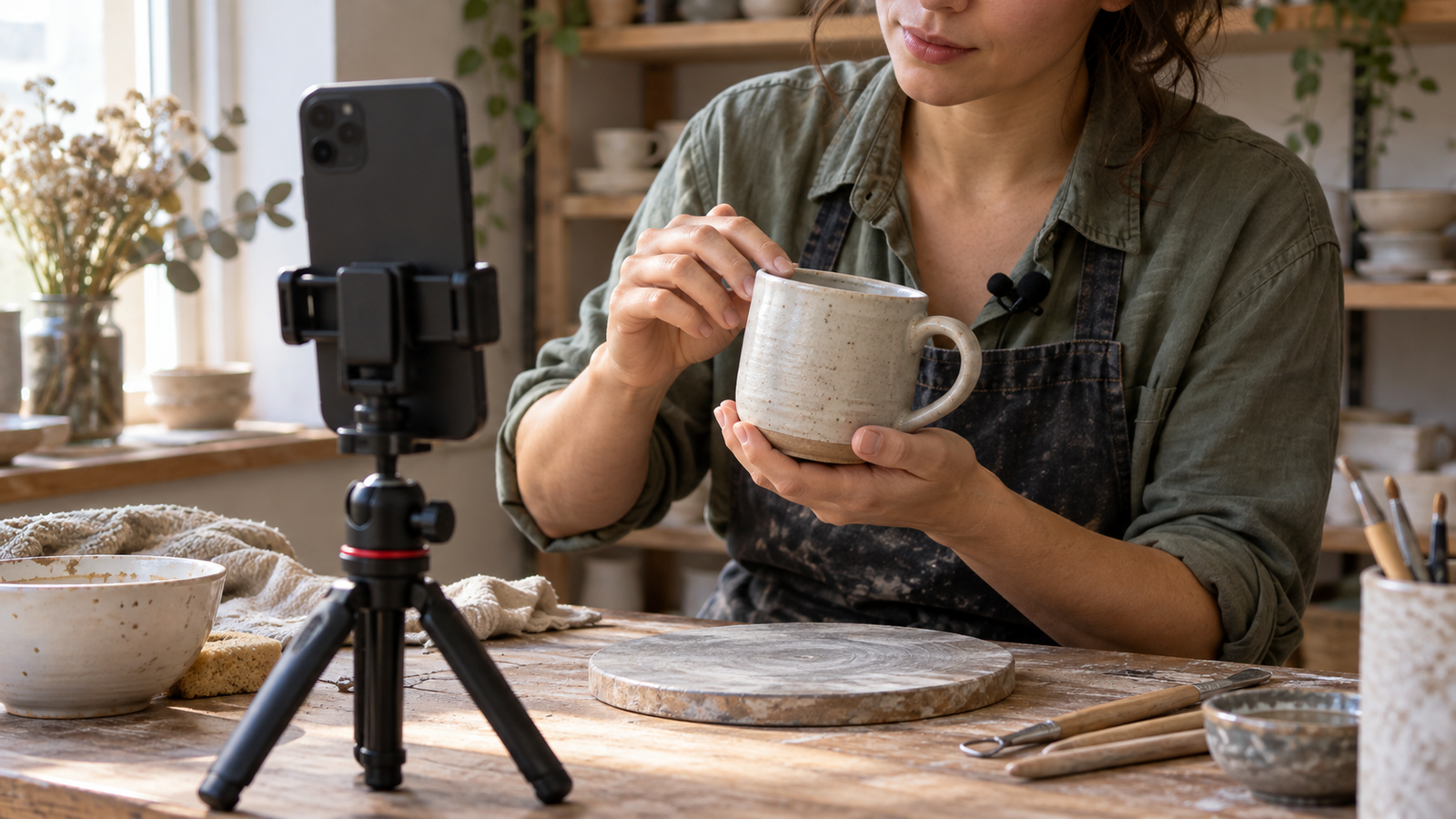
Affiliate disclosure: As an Amazon Associate I earn from qualifying purchases. Product links below use affiliate tracking. All four editorial images are AI-generated illustrations, not screenshots or evidence of a product test.
Table of Contents
1. Give your Instagram Edits project one job
Choose a question close to a buying decision. For the ceramics business, use “Will this mug fit under my coffee machine?” The resulting video needs a clear measurement, a demonstration and an invitation to check the product page. “Our autumn collection is here” supplies none of those reasons to keep watching.
Write a three-line brief before filming: who is asking, what evidence settles the question, and what action should follow. A local salon might demonstrate how a cut looks after air-drying; a bookkeeper might explain which receipt information to retain. Keep the promise narrow enough to prove visually.
Save that brief in Instagram Edits alongside your idea. Meta’s one-year product update confirms an integrated teleprompter and an Ideas area for saved material and notes. Treat saved inspiration as a reference for structure; film your own evidence and write your own claims.
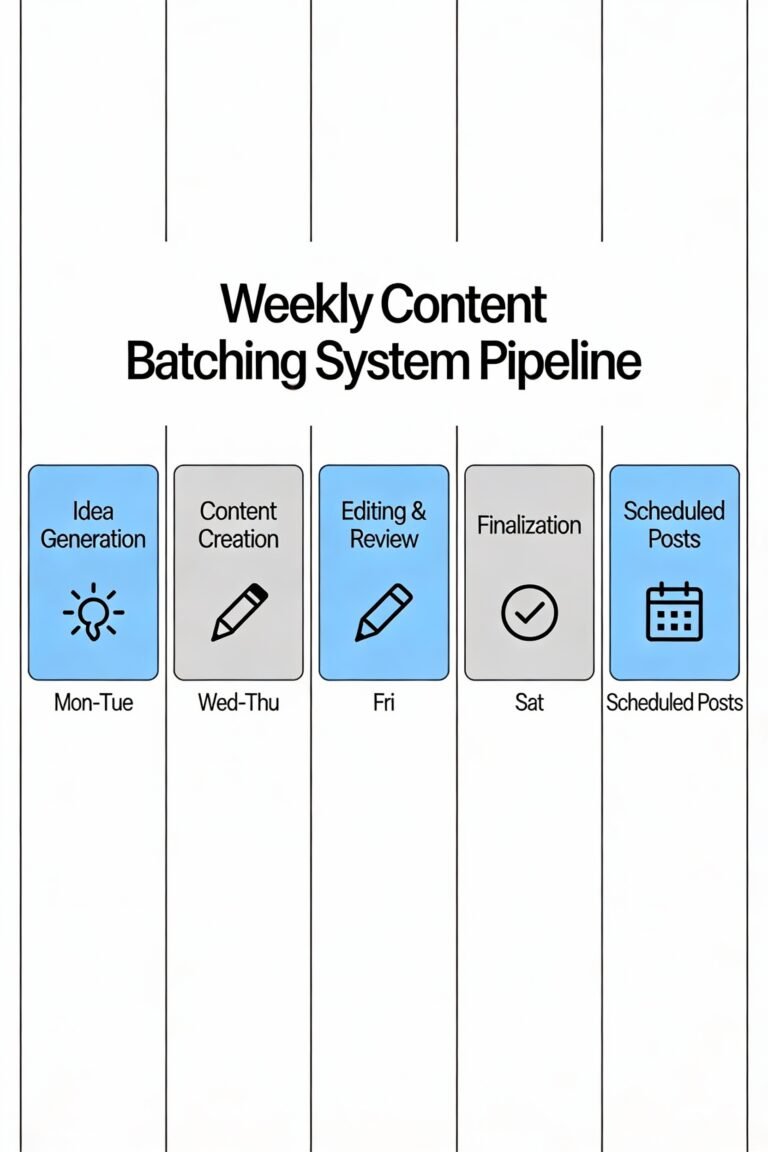
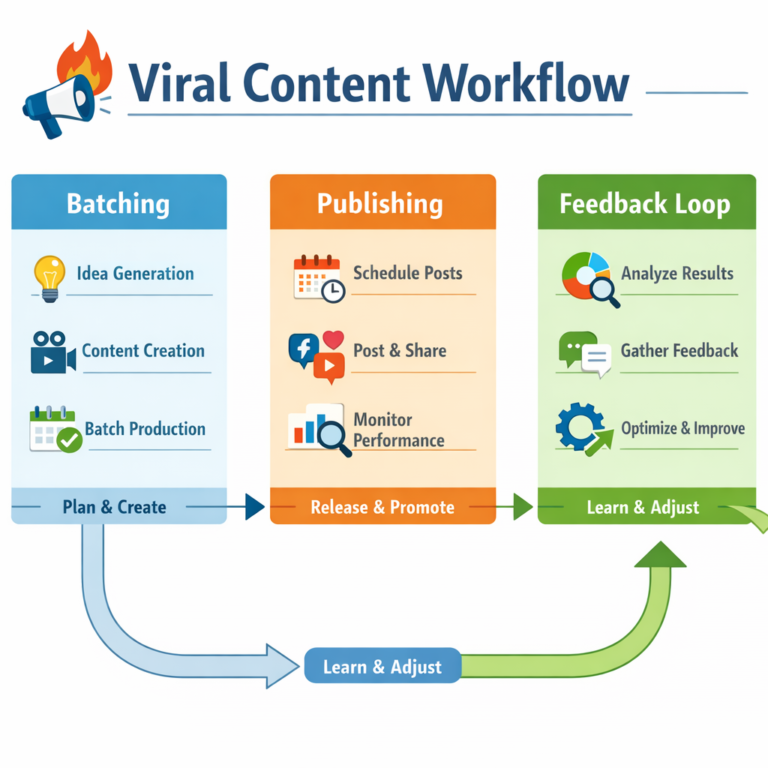
If you have no repeatable content themes, start with our creator content pipeline system. One question can produce a demonstration, a comparison and a follow-up answer. That is a more sustainable production brief than finding a new trend every morning.
Instagram Edits setup: separate the project from the post
Keep original footage in a clearly named phone album and retain another copy somewhere you control. Name the project “mug-clearance-hook-a” rather than “new video.” An editing project, an exported video and an Instagram post are separate assets; changing one does not automatically update the others.
2. Capture proof that survives a small screen
For this Instagram Edits workflow, shoot five simple views: the mug beside a ruler, the mug approaching the machine, the handle being held, coffee dispensing and the finished drink. Record a little before and after each action. Those extra handles make cutting easier without repeating the whole demonstration.
Use vertical framing for the Reel and leave space around the object for captions and interface controls. Make a separate still photograph for the carousel cover. A frame grabbed during movement may look acceptable in a video but soft when somebody pauses to read a slide.
Lock down the phone position and keep the lighting consistent. If the mug changes colour between shots, viewers cannot judge its finish. Face a window or use one stable light source; avoid mixing a bright window with a strongly coloured desk lamp. Our guide to filming Reels alone covers the recording setup in more detail.
An optional ULANZI MT-44 phone tripod helps repeat the same composition while your hands demonstrate the product. Check that the clamp fits your phone and case, and keep a lightweight stand away from busy walkways or wind.
If speech matters, record a short test and play it back before the full take. The DJI Mic Mini two-transmitter kit with receiver and charging case is an option for demonstrations involving two speakers. Confirm the supplied adapter matches your phone and that your recording app receives the microphone signal; the kit is not necessary for a silent product close-up.
3. Build the rough cut before adding effects
Create your Instagram Edits project from the selected clips. Assemble the evidence in the order the viewer needs it, even if you filmed in another sequence. Show the mug fitting beneath the machine immediately, then explain the measurement. A long introduction makes the viewer wait for the promised answer.
Here is a suggested 25-second edit, not a platform rule: seconds 0–3 show the fit; 3–8 show the height measurement; 8–16 show dispensing and the handle; 16–21 explain the relevant limitation; 21–25 point to the size details. Shorten any segment that repeats information already visible.
Trim the pause before speaking and the moment you reach to stop recording. Keep a pause when it helps the audience inspect the ruler. Editing everything at maximum speed can make a factual product demonstration harder to understand. Pacing should follow the difficulty of the information.
Use the Instagram Edits timeline to check each claim against its shot. If the voiceover says the mug clears a particular machine, show that machine and avoid implying universal compatibility. Put dimensions on screen only after checking the actual product. Editing cannot repair evidence you never captured.
For a visual walkthrough of the interface, watch Justin Brown’s tutorial below. The chapters on trimming, overlays and captions complement this business example. Interfaces change, so match the tool’s function if your version uses different labels.
In Instagram Edits, distinguish the text that explains your offer from the captions that transcribe speech. For the mug example, a short opening label such as “Measure before you order” can remain visible while the spoken captions change underneath. Avoid displaying two long sentences at once. Give the audience one clear place to look, especially when the product measurement is the evidence.
Before duplicating the project, write down the exact change you want to test. In Instagram Edits, version A could open on the mug beneath the machine while version B opens on the ruler. Keep the rest of the explanation comparable and export each file with its version letter. If you later change the price, offer or destination, record that too; otherwise a business difference can easily be mistaken for an editing improvement.
4. Make captions and audio carry the answer
Generate Instagram Edits captions after the spoken edit is stable. Check every measurement, product name and negative: “does not fit” becoming “does fit” changes the promise. Read the entire video with the sound off, then listen with your eyes away from the screen. Each pass finds different mistakes.
Keep captions clear of the product detail they describe. On the measurement shot, move the words away from the ruler. Use a consistent text treatment with strong contrast rather than switching styles every sentence. Preview the result at ordinary phone size; a large editing preview can hide readability problems.
Use headphones to catch clothing rustle, abrupt edits and music masking speech. Optional Sony MDR7506 wired headphones can help with this review because their closed-ear design reduces outside distraction. Check whether your phone needs a compatible audio adapter; headphones you already own are sufficient for a first pass.
Music is a rights decision as well as an editing choice. Access to a sound inside an app does not establish permission for every commercial use, advertisement or destination. Keep a voice-only master and add music only when you can document the licence for the intended use. Meta’s music guidelines are a starting point for checking restrictions.
Recent creator discussions describe caption-editing and export problems, including an October 27 caption report. These are individual reports, not failure-rate evidence. If captions misbehave, preserve the project and originals, try a short duplicate test with a simpler style, and correct essential text manually rather than trusting a broken export.
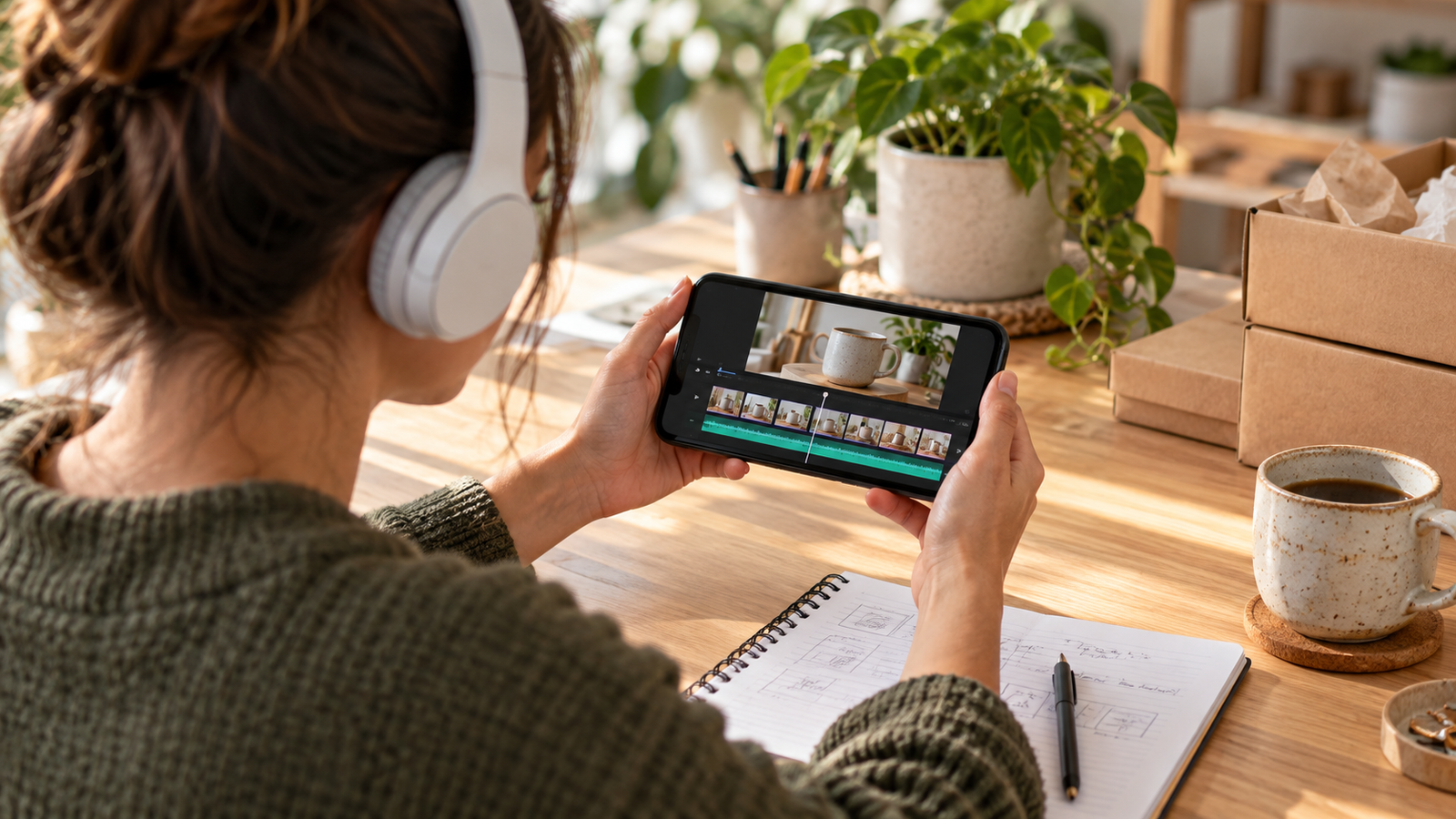
5. Choose Instagram Edits export settings deliberately
Start with footage and output that share the same frame rate. Upscaling a soft clip does not restore detail, and changing frame rate does not create the motion you failed to record. For a routine talking demonstration, a 1080 × 1920 vertical master at the source frame rate is a practical starting choice, not an official optimum.
Meta’s Edits launch announcement documents capture of up to 10 minutes and exports without an added watermark. That capture figure is not a recommendation for Reel length or a guarantee about every AI-generated element. Inspect the actual file you intend to use.
Play the downloaded Instagram Edits export outside the editor. Check the opening frame, caption timing, audio balance, colour and final call to action. Scrub across every cut. A preview that looks correct inside the app does not prove the rendered file has the same result.
If rendering fails, duplicate the project, export a short section and simplify one element at a time. Test a suspect overlay, effect or clip separately. Keep a note of what changed so you can reproduce the outcome. Do not erase app data or uninstall while the only copy of important work may live locally.
Save a clean master with a name such as “mug-clearance-a-2026-10-29.” When preparing an Instagram draft, review its cover, caption and destination link separately. A promising video can still send people to a generic homepage that makes them search again for the dimensions.
6. Turn the same evidence into a useful carousel
Instagram Edits now offers a second route for this footage. Meta announced carousel creation on October 7, 2026, with a canvas combining photos, video and text. Its October 8 documentation listed iOS availability and Android as forthcoming; check your installed app rather than assuming every account has the same controls.
Where available, open Projects, choose the plus button and select Carousel. Import the original stills or clips rather than screenshots of your finished Reel. Arrange the evidence into a reading sequence: the question, the measurement, the machine demonstration, an important limitation and the next action.
Give each slide a distinct purpose. “Check the clearance before ordering” is a useful cover. A second slide can show exactly where to measure, while the third demonstrates the mug under the machine. State the machine model and measured height where relevant; a cropped photograph without context can mislead.
Use Instagram Edits layout tools to establish consistent spacing, then check the edges of every slide. A headline running across two slides can create visual continuity, but each slide should still make sense when viewed alone. Keep essential specifications within one frame rather than splitting a number across a swipe.
Finish with a specific action: view the dimensions on the product page, or send the machine model if more help is needed. The carousel should answer the question for someone who never watched the Reel. If your app lacks the feature, build the same sequence in your existing design tool; the content plan still works.

7. Use results to choose the next edit
Judge an Instagram Edits project against its original job. Reach tells you how widely it travelled; watch behaviour helps diagnose the opening; saves may suggest the measurement is useful. Product-page visits, qualified enquiries and orders tell you more about the buying decision. Avoid treating one metric as proof of every outcome.
Make the arithmetic explicit. In a hypothetical test, Reel A reaches 1,000 people and generates 12 product enquiries; Reel B reaches 2,000 and generates 10. That is 1.2% versus 0.5% enquiries per person reached. A has the stronger rate, while B has broader exposure. Neither comparison proves the hook caused the difference.
Change one major element on the next Instagram Edits version: the first shot, the promise or the explanation length. Keep the offer and destination stable when possible. Compare similar observation windows, record the audience context and wait for enough outcomes to matter to your business rather than declaring a winner from one enquiry.
Our Instagram Trial Reels testing guide helps structure the next experiment, and the watch-time guide explains the retention side. Keep the distinction between editing feedback and a controlled experiment clear: organic distribution can expose different videos to different people.
For a seven-day review, keep one row per post with its question, opening shot, length, posting date, reach, saves, enquiries and destination. Add a plain-language note explaining the next decision. “Show the ruler earlier” gives the next filming session direction; “engagement was good” does not.
Also record production time. If a complicated effect takes an extra hour and does not clarify the answer, remove it from the repeatable workflow. A small business needs a process it can maintain during a busy week. Keep the strongest caption style, shooting position and proof sequence, while changing the customer question.
Review comments for the next objection rather than merely counting them. A repeated question about dishwasher safety could become the next demonstration, provided you can verify the claim. That closes the loop between audience feedback and production without allowing an automated suggestion to invent product facts.
End the session by recording the next customer question and saving the useful assets. The benefit of Instagram Edits is a shorter path from evidence to a finished explanation. The business benefit comes when that explanation reduces uncertainty for someone who might actually buy.
Instagram Edits FAQ
Is Instagram Edits free to use?
The core mobile editing workflow is available without buying desktop software. Features, AI limits and optional paid offerings can change; check your app’s current terms before promising a client that a particular tool will remain free.
Does Instagram Edits add a watermark?
Meta documents exports without an added Edits watermark. Check your downloaded file, especially when using AI effects or third-party media. Watermark-free export does not grant permission to reuse somebody else’s content.
Can I make carousels in Instagram Edits?
Yes, where the carousel feature is available. Start in Projects, select the plus button and choose Carousel. Meta initially documented iOS access with Android to follow, so availability should be checked on your own device.
Why are my Edits captions wrong or out of sync?
Check the original speech and final timeline first. Try generating captions after major cuts are finished, test a simpler style in a duplicate project and correct mistakes manually. Individual users report bugs; there is no single verified fix for every device.
What are the best Instagram Edits export settings?
Match frame rate to your source and choose a resolution appropriate to the footage and destination. A vertical 1080 × 1920 master is a practical starting point for ordinary Reels. Review the rendered file for sound, captions and colour before sharing.
Will using Edits automatically increase Reel reach?
No documented guarantee makes the app itself a reach shortcut. Use the workflow to improve the opening, evidence and clarity, then compare watch behaviour and business outcomes. Better editing still needs a relevant question and a useful offer.