LinkedIn’s AI Campaign Manager is the latest tool promising to fix your ads, and you’ve heard that pitch before. So have I. You clicked the button. You trusted the algorithm. You watched the budget vanish. Maybe a “smart” campaign spent $3,000 on the wrong people. Maybe a demo looked great and delivered nothing. Either way, you learned a lesson: ignore the hype.
I’m not going to ask you to stop being skeptical. I’m going to ask you to point that skepticism at the right target. In 2026, the real risk isn’t trying LinkedIn’s AI ad tools. The real risk is what you’re paying for right now without them. If you’re still building your paid strategy, start with these social media advertising guides for the fundamentals.
Table of Contents
Is LinkedIn’s AI Campaign Manager Worth Testing?
LinkedIn’s AI Campaign Manager is worth testing because clicks cost $5 to $15, so better targeting saves real money. Tools like Predictive Audiences and Accelerate cut setup time and reduce wasted spend. Run a $10-a-day test against a manual campaign, judge it by cost per qualified lead, and let your own data decide.
Why LinkedIn Ads Cost So Much Per Click
Let’s start with what you already know. LinkedIn is expensive. According to a 2026 ConnectSafely guide, the average LinkedIn ad cost per click runs $5 to $15, versus $1 to $3 on other platforms. Every wasted click hurts more here than anywhere else.
You’ve also sat in the meeting. Someone asks, “What did that spend actually do?” You had no clean answer. That feeling is real. It’s why you don’t trust shiny new features. You’ve been sold “innovation” that turned out to be a new menu with the same old results.
So here’s my promise. I won’t tell you AI is magic. I’ll show you why the math and the mechanics favor it on this platform, specifically.
How LinkedIn Predictive Audiences Cut Wasted Ad Spend
Here’s the twist most skeptics miss. On a cheap platform, bad targeting costs you pennies. You can afford sloppy. On LinkedIn, sloppy targeting is a tax you pay on every single click.
Say you pay $10 a click. Half your clicks come from people who could never buy. You just paid $20 for each useful visitor. Now flip it. What would help most when clicks cost this much? Better aim.
That’s where LinkedIn Predictive Audiences comes in. LinkedIn’s own help documentation on predictive audiences explains that the feature applies AI to your source data to build a new audience of people likely to act like your best prospects. The system learns who is likely to act, so you stop paying to reach people who won’t.
Notice the logic. AI matters more on expensive platforms, not less. A small gain in aim is worth far more when each click costs real money. You don’t need AI to work miracles. You need it to waste a little less. On LinkedIn, a little less waste adds up fast.
How LinkedIn Accelerate Campaigns Save Hours of Setup Time
Ad spend isn’t your only cost. Your hours are, too. Think about the last LinkedIn campaign you built. You picked an objective. You built an audience and tested job titles. You wrote five versions of the copy. You set bids, checked placements, and rebuilt when something broke. That’s a full day of work. Sometimes a full week.
Now meet Accelerate, LinkedIn’s AI campaign type. As Kiin describes it, LinkedIn Accelerate campaigns build the audience, the creative, and the bidding from a landing page. You give it a URL and a goal. It gives you a starting campaign. Digiday reported that LinkedIn positions the tool as cutting campaign build time from 15 hours to five minutes. Treat that as LinkedIn’s claim, not a guarantee. It’s one more reason to test it yourself.
Is that starting point perfect? No. But you’re no longer staring at a blank screen. Here’s what that looks like for real people:
- The solo marketer launches a test in an afternoon instead of next month.
- The agency lead spins up drafts for five clients before lunch.
- The founder with no ad experience finally gets a decent first campaign.
There’s also “Draft with AI” for ad copy. Your best writer still writes the final version. But nobody has to face a blank page at 4 p.m. on a Friday.
Time is the scarcest thing you own. A tool that hands back hours is worth testing, even if you never trust it with a dollar of strategy.
Why LinkedIn’s Member Data Makes Its AI Targeting Stronger
Every ad platform claims to know its audience. LinkedIn actually does, in a way others can’t match. People type their own job titles into LinkedIn. They list their employers and skills. They update both when they get promoted, because their careers depend on it. Compare that to platforms where “interests” are guessed from what someone liked at midnight.
That’s the raw material behind LinkedIn’s AI. It isn’t guessing whether someone might care about your software. It works from what people say about their own jobs. If you want to see how audience quality shapes results on other networks, this breakdown of social media algorithms and reach strategies shows the same principle at work.

LinkedIn Campaign Manager CRM Integration: Proving Ad ROI
There’s more. According to ALM Corp’s 2026 guide, LinkedIn added real-time CRM data directly into Campaign Manager in June 2025. Now you can see how campaigns connect to pipeline and revenue. Read that again if you’ve ever lost an argument about ROI. The old fight was “clicks versus deals,” and nobody could connect them. Now the connection lives in the tool. For the measurement side, learn how to calculate social media engagement rate so your reports tell one consistent story.
Another feature, the Companies tab, shows paid and organic engagement for each target company. You can see which accounts are warming up and build lists from them. That’s the difference between “we got 400 leads” and “these 12 target accounts are paying attention.”
Can You Trust LinkedIn’s AI Ad Automation?
“But I don’t trust a black box.” This is the objection I respect most, so let me answer it directly.
You’re right not to hand over the wheel blindly. Nobody should. And you don’t have to. Even friendly sources say it plainly: as MediaPlanningTool puts it, AI can reduce setup friction, but it does not replace strategy. That’s the correct mental model.
Independent reporting backs up the caution. Digiday noted that at least one agency held off using Accelerate for clients with very niche targeting needs. That’s a fair reason to keep your manual campaign in the test.
Think of the AI as a fast, tireless junior teammate. It drafts. It suggests. It watches the numbers all day. You still decide the offer. You still decide who your customer is. You still decide what “good” looks like.
So the real question isn’t “Do I trust the black box?” It’s “Can I check its work?” You can, cheaply. I write down the success metric before any test starts, because it’s the only way I’ve found to keep myself honest once the numbers come in. Prices and minimums change, so confirm current figures inside Campaign Manager before you spend.
How to Test LinkedIn’s AI Campaign Manager for $10 a Day
- Set a small budget. Per ConnectSafely, minimum daily budgets start at $10 for most campaign types. That’s a coffee-and-sandwich risk, not a career risk.
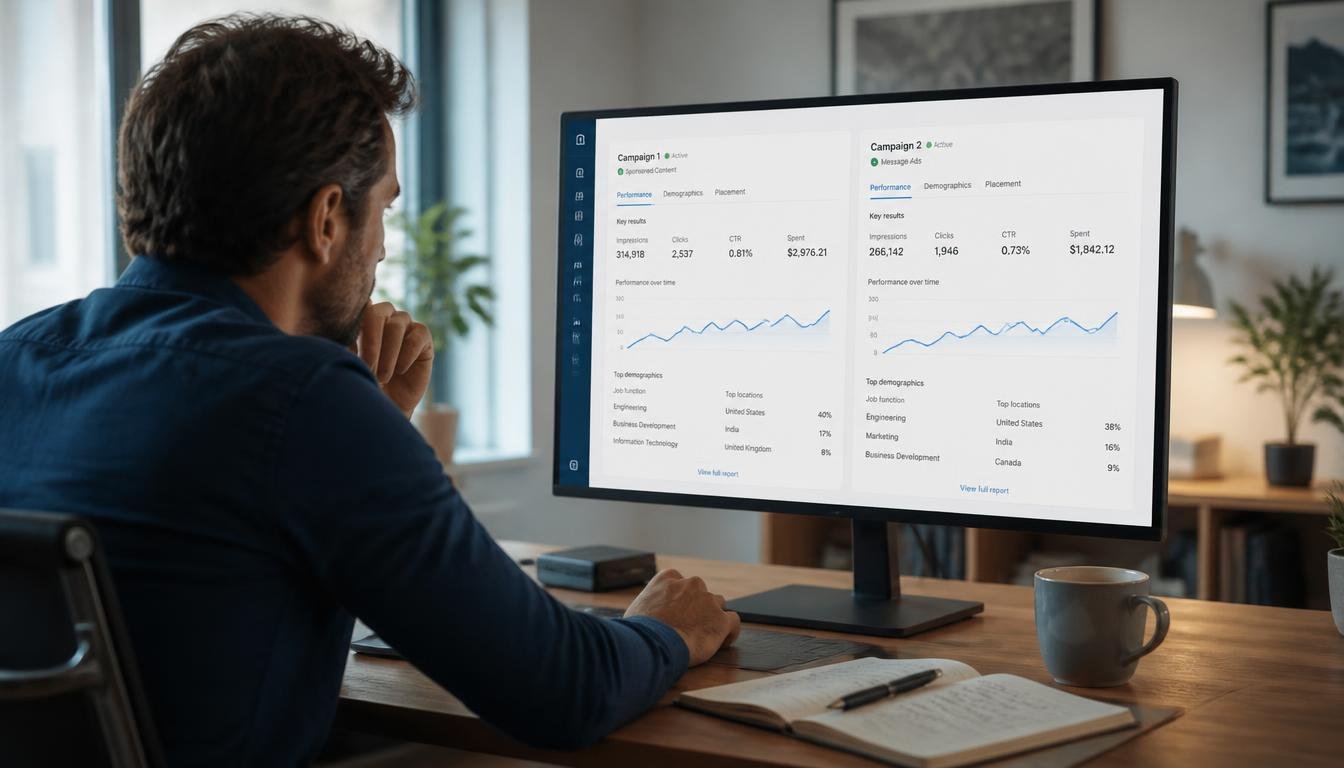
- Run two campaigns side by side. Build one yourself. Build one with Accelerate. Use the same offer and the same landing page.
- Pick your metric first. Cost per qualified lead beats cost per click. Decide before you see results.
- Give it two weeks. Judge it on your numbers, not on anyone’s promise.
Want to watch the setup before you build? This walkthrough shows how to create LinkedIn Ads with the Accelerate tool:
That’s it. No faith required. The data decides. If the AI loses, you’ve lost almost nothing and you can walk away with a clear conscience. If it wins, you’ve found an edge your competitors haven’t touched yet.
Why Waiting on LinkedIn AI Ads Costs More Than Testing
Skepticism often isn’t about the tool. It’s about protecting yourself. You’ve been wrong in public before. You told your boss a channel would work, and it didn’t. So now you demand proof before you try anything.
That instinct is smart. But it can turn into a trap. When you wait for total certainty, you also choose to keep doing what you already do. And what you already do has costs. They’re just harder to see: budget leaking into weak audiences, hours lost to setup, a vague report you can’t defend. Those costs feel safe because they’re familiar. But familiar isn’t the same as good.
The believers I know aren’t naive. Many were burned worse than you. They just chose a cheap, honest test over running from the pain. Believers aren’t the people who never got burned. They’re the people who kept testing.
Here’s another cost of waiting. These systems improve with use. Every campaign teaches the platform more about what works in your market. Every conversion sharpens the picture. Teams that start early build that learning while others sit out. Your competitor doesn’t need to be smarter than you. They just need to start two quarters sooner. By the time you’re convinced, they may already know which audiences convert and which creative wins. They’ll have clean pipeline data. You’ll be running your first test. Waiting isn’t neutral. It’s a decision with a price tag. A solid influencer marketing strategy framework can help you build a repeatable testing habit across channels.
LinkedIn Campaign Groups Are Now Campaigns
The platform keeps moving. According to Dataslayer, LinkedIn renamed its campaign structure. Campaign Groups are now Campaigns, and old Campaigns are now Ad Sets. LinkedIn’s help center now uses the same “ad set” language when it describes Classic and Accelerate ad sets. The change matches the labels Meta and Google use, so it’s easier for people coming from other tools. That tells you something: LinkedIn wants marketers who’ve worked elsewhere to feel at home.

Your One-Week LinkedIn AI Campaign Test Plan
You don’t need to believe me. You need to test me.
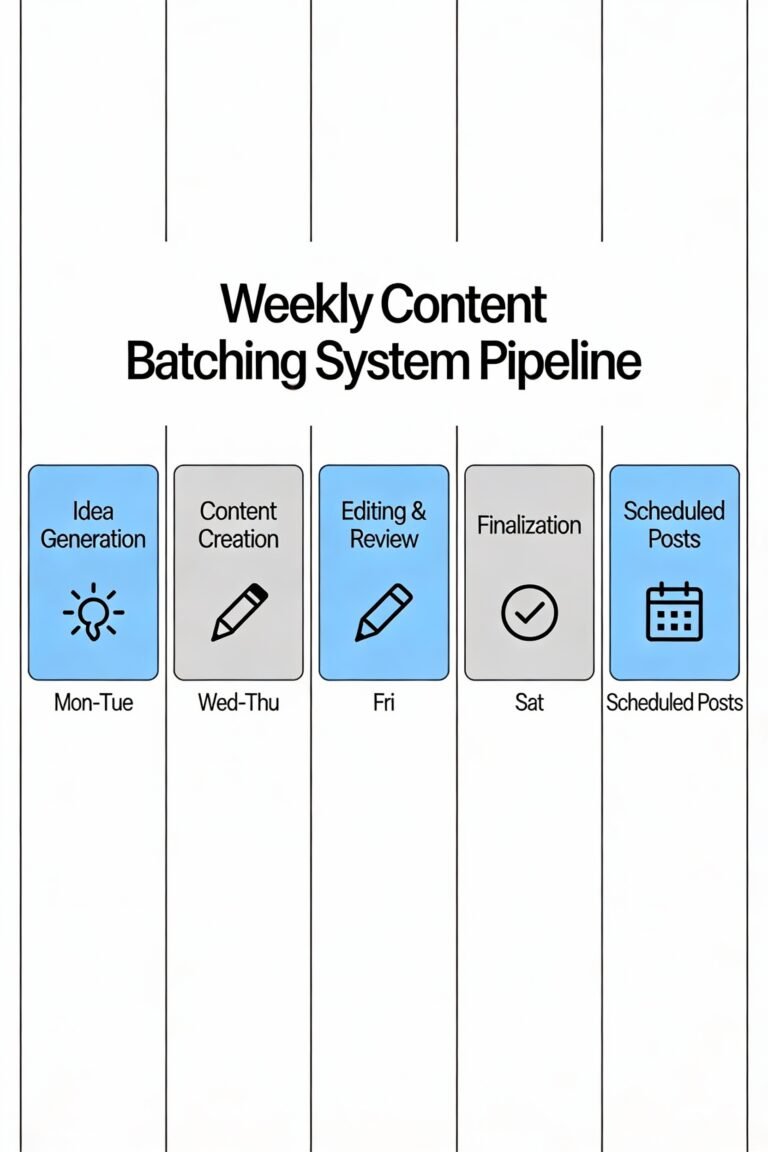
- Monday: Open Campaign Manager. Pick one offer that already converts elsewhere.
- Tuesday: Build one campaign the way you always do.
- Wednesday: Build a second one with Accelerate, using the same landing page.
- Thursday: Set equal small budgets. Write down your success metric.
- Two weeks later: Compare cost per qualified lead. Nothing else.
If the numbers say no, close the tab. You’ve spent little and learned a lot. For deeper context on how the tool works, read Search Engine Land’s launch coverage of Accelerate and Social Media Today’s report on LinkedIn’s early Accelerate results.
Recommended Tools and Reads for Your LinkedIn Ad Test
A cheap test goes better with the right setup. These are the picks I’d grab first:
- B2B marketing strategy books: build your offer and positioning before you spend a dollar.
- LinkedIn advertising books: go deeper on targeting, bidding, and lead gen forms.
- Ring light with tripod: record clean video creative for your ads without a studio.
- 27-inch monitor: keep your manual campaign and your Accelerate campaign side by side on screen.
- Marketing planner notebook: log your success metric and daily results in one place.
As an Amazon Associate I earn from qualifying purchases.
LinkedIn AI Campaign Manager FAQ
What is LinkedIn’s AI Campaign Manager?
LinkedIn’s AI Campaign Manager is the ad-buying platform’s set of AI tools for building and optimizing campaigns. It includes Accelerate, which drafts a campaign from your landing page, and Predictive Audiences, which finds people likely to act like your best prospects.
What is a LinkedIn Accelerate campaign?
Accelerate is LinkedIn’s AI-powered campaign type. You provide a URL and a goal, and it recommends the audience, creative, and bidding. You can edit the recommendation before launch, so you stay in control of the offer and the final settings.
How much does it cost to test LinkedIn AI ads?
Per ConnectSafely, minimum daily budgets start at $10 for most campaign types. Confirm current minimums in Campaign Manager before you launch, since LinkedIn can change them.
Is LinkedIn advertising more expensive than other platforms?
Yes. According to a 2026 ConnectSafely guide, LinkedIn clicks average $5 to $15, compared with $1 to $3 on other platforms. That higher cost is exactly why better targeting matters more here.
How long should I run a LinkedIn AI campaign test?
Run it for two weeks. Use the same offer and landing page for your manual and Accelerate campaigns, and compare cost per qualified lead rather than cost per click.
Do LinkedIn’s AI tools replace marketing strategy?
No. AI reduces setup friction, but you still decide your offer, your customer, and your definition of success. Treat it as a fast junior teammate that drafts and suggests while you make the calls.
Run the LinkedIn AI Campaign Manager Test Now
Nobody’s asking you to believe anything. Ten dollars a day buys you a straight answer about LinkedIn’s AI Campaign Manager, and your competitors are probably not bothering to ask the question. Open Campaign Manager now and build both campaigns before lunch.
One flag before you publish: I could only verify two pages on socialmediamarketingtechniques.com (the homepage and /courses/), so the internal links point there. I didn’t invent article URLs. Once you have the exact slugs for the engagement rate, algorithms, and advertising posts, swap them in for the homepage links. The Amazon links are search-result links carrying your tag, since I can’t confirm specific product listings or prices.