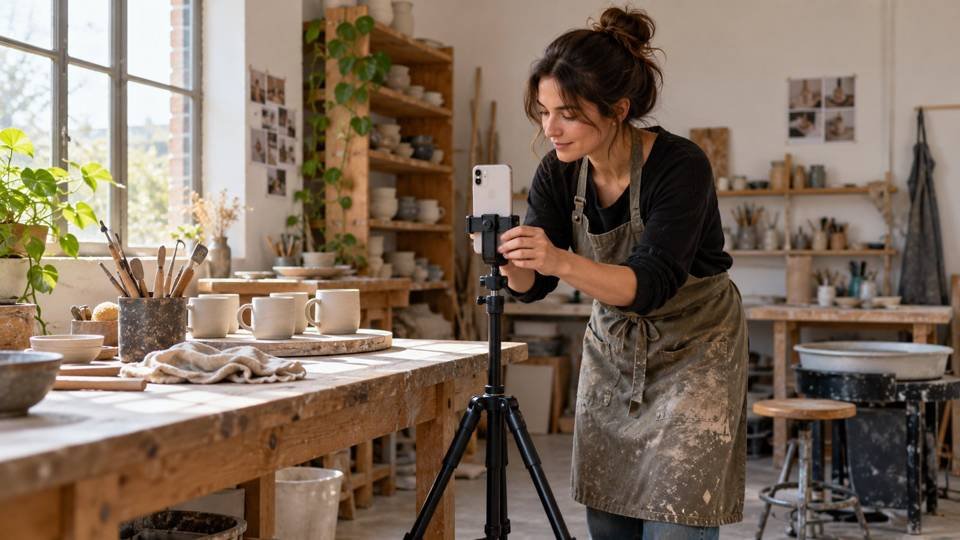
Images in this guide are AI-generated editorial illustrations.
You press record, walk into position, forget your opening line, and discover afterward that the microphone never connected. Filming alone can turn one simple business video into an afternoon of retakes.
Here is how to film Reels alone with less friction: secure your phone vertically, choose one repeatable camera position, test the sound, and record a short demonstration from a written shot list. Review each setup before moving anything. Start with one finished Reel rather than a month of footage you cannot use.
The workflow below suits a shop owner, maker, consultant, or service business filming without a camera operator. It uses the phone you already own. The timings and examples are suggested starting points, not tested production guarantees.
Table of Contents
Decide what the viewer should understand
Choose one customer question that you can answer visibly. “How do I choose a comfortable mug handle?” makes a more useful filming brief than “Show our new collection.” It tells you what to demonstrate and what the viewer should learn.
Write three lines before touching the camera:
- Opening: “Check this before buying a handmade mug online.”
- Demonstration: Show the handle opening, how your fingers fit, and the balance in your hand.
- Next step: “See the measurements in our product guide.”
This is an illustrative script for a ceramics business. Replace the details with something true about your own offer. Avoid claims such as “the most comfortable” unless you can substantiate them.
If your opening feels borrowed, use our guide to why copied viral hooks fail to sharpen the promise. The camera cannot rescue a video that gives people no reason to watch.
Build a filming position you can repeat
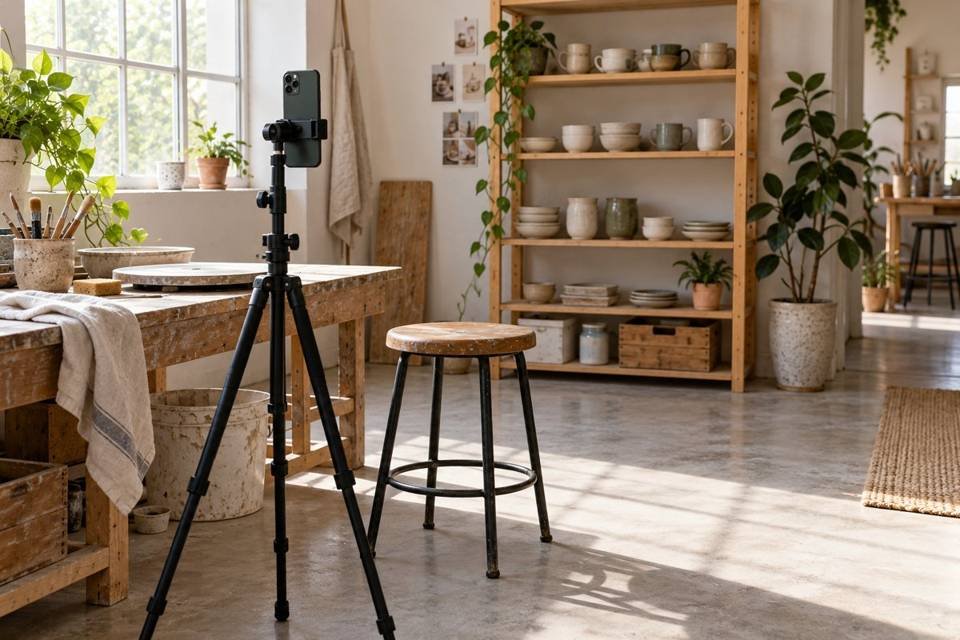
Start with one camera position for your explanation and a second for details. Mark the tripod feet and your standing position with removable tape if the surface permits it. Take a reference photo so you can rebuild the arrangement next week.
Put the lens where the explanation happens
For a talking video, begin with the lens around eye level. Leave space for your hands if you will demonstrate something. Look into the lens when addressing viewers; checking your own face throughout the take can make your gaze drift.
For a tabletop demonstration, frame the working area rather than your whole room. Keep important actions away from the edges, where interface elements or cropping may obscure them. Check the actual posting preview before committing to text placement.
A front camera makes framing easier when you work alone. A rear camera may offer better options on your particular phone, but use it only if you can verify the frame. Record a stand-in object at your intended position, then review the clip. Reliability matters more than choosing a camera you cannot monitor.
Make the light predictable
Try facing a large window or placing it slightly to one side. Check your face and the product together: a bright face with a dark demonstration is still a failed setup. Avoid a bright window directly behind you unless you can control the exposure.
Daylight changes. If clouds repeatedly alter the picture, record shorter groups of clips or use a consistent indoor light. Move the light or subject before adding more equipment. Keep stands out of walkways and use a secure support for any overhead shot.
Choose simple phone settings and test them
As an editorial starting point, try vertical 1080p recording at 30 frames per second for an ordinary explanation. It keeps the workflow manageable. Consider 4K if you need room to crop and your phone, storage, and editor handle it comfortably. More resolution does not fix unclear speech or missed focus.
Keep the frame rate consistent across ordinary shots. Use slow motion deliberately for a detail that benefits from it, rather than recording everything at a high frame rate.
If the image changes brightness or focus as you move, explore the lock controls supported by your device. Apple’s camera tools guide explains AE/AF Lock for the documented iPhone software version. Android controls vary by manufacturer and camera app.
Record a complete ten-second test while making the actual movement. Check the product at its nearest and farthest position. Clean the lens, confirm available storage, charge the phone, and silence avoidable interruptions before the real take.
Get intelligible sound before buying more gear
Listen to a test through headphones. Check for clothing rubbing, traffic, machinery, room echo, and a voice that becomes quiet when you turn away. A microphone can be connected without being the source your recording app actually uses.
If the phone microphone sounds clear at your working distance, keep using it. If the demonstration requires you to stand farther away, a compatible clip-on microphone may help. Record another test after connecting it, and confirm that the recording contains the expected sound.
For noisy workshops, separate the demonstration from the explanation. Film the work safely, then record a voiceover in a quieter space. Keep useful natural sounds where they add context, but lower them when they obscure instructions.
Think Media’s video below demonstrates background choice, audio, lighting, stabilization, and footage review. Its sound and setup section starts around 2:20. It teaches general phone filming rather than an Instagram-specific publishing workflow; use a vertical frame for this Reel exercise.
How to film Reels alone with a five-shot plan
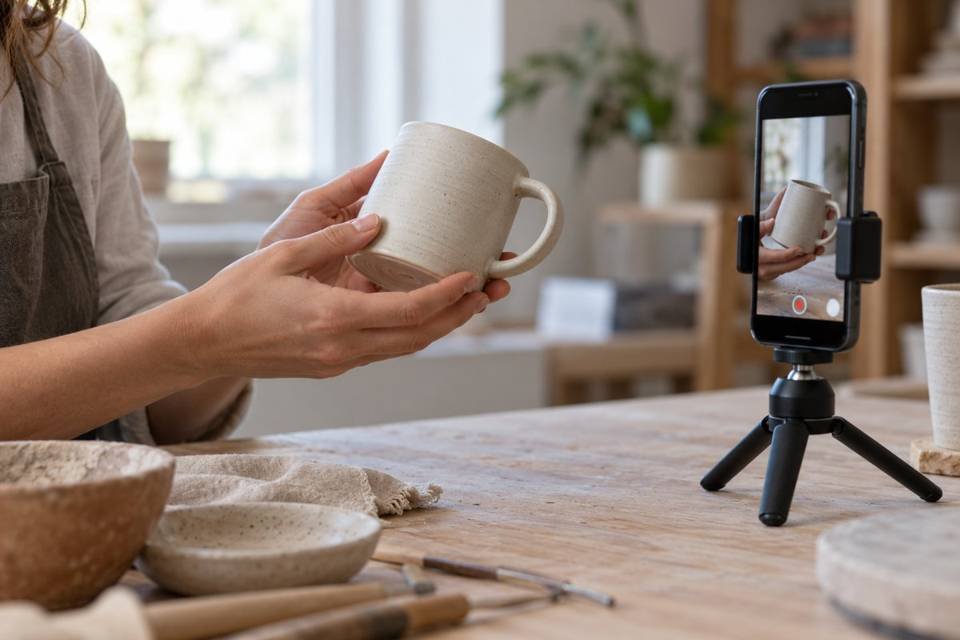
Use this example to film one useful product explanation. The suggested final length is roughly 25–35 seconds, with permission to cut shorter if the answer needs less time.
| Shot | What to record | Job in the finished Reel |
|---|---|---|
| 1 | Hold the mug and state the buying question | Establish the problem |
| 2 | Show the handle clearly against a plain background | Make the detail visible |
| 3 | Demonstrate how your hand fits | Explain a practical check |
| 4 | Place the mug beside a ruler with a readable scale | Show the actual measurement |
| 5 | Return to the original position for the next step | Tell viewers where to learn more |
Keep the mug and demonstration truthful. A measurement should be readable and accurate. Your hand illustrates one person’s fit; it does not establish comfort for every buyer.
Record each action with a little stillness before and after it. This gives you room to trim without cutting into the movement. You can record the spoken explanation separately and place the detail shots over it.
Film the opening twice with genuinely different wording. “Check the handle opening” and “Here’s one measurement a product photo can hide” create two useful options. Ten almost identical takes usually give you more footage to sort rather than a clearer answer.
For a service business, adapt the sequence: name a problem, show a safe demonstration, explain the decision, show an example, and offer the next step. Keep client names, private screens, and customer paperwork out of view.
Use a small session budget
Try a 45-minute first session: ten minutes to prepare, ten to test the setup, fifteen to record, and ten to review and organize. This is a planning constraint, not a promise that every beginner will finish within it. Editing gets its own appointment.
If you run out of time, reduce the number of ideas. One complete demonstration is more useful than five unfinished introductions. Keep a note of what slowed you down: missing props, uncertain wording, focus problems, or repeated setup changes.
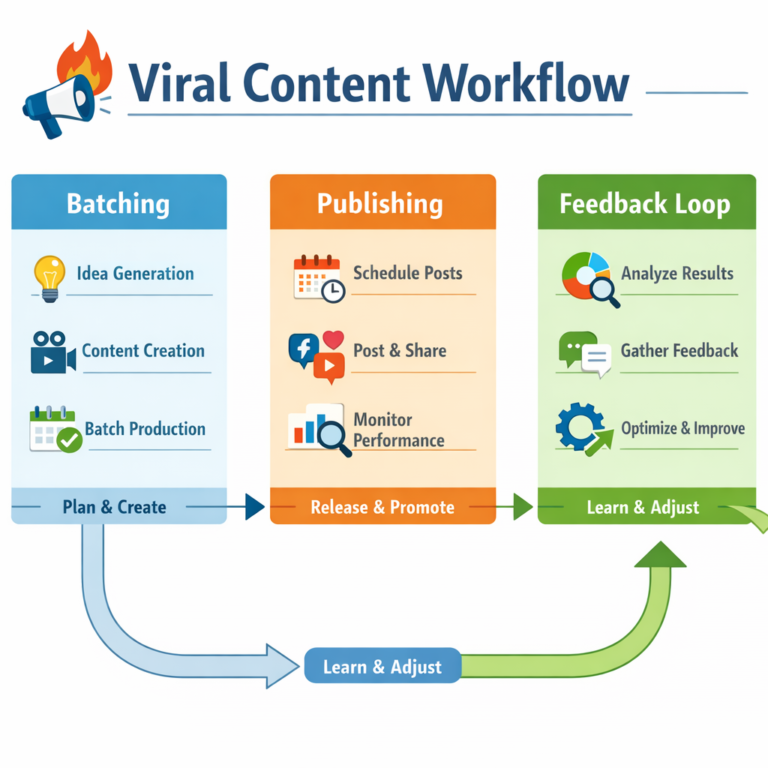
Once one setup works, fold it into the site’s four-block content batching system. Group clips that share the same light and camera position, while checking each one before moving on.
Buy equipment only for a visible bottleneck
This article contains affiliate links. As an Amazon Associate I earn from qualifying purchases.
The two options below address specific filming problems. These are editorial selections based on product information, not hands-on tests. Check the current seller, included parts, compatibility, and return terms before ordering.
JOBY GripTight ONE GP smartphone stand
This compact stand combines a phone grip with flexible tripod legs. It suits a maker who needs a small support for tabletop details or a portable secondary camera position. View the JOBY GripTight ONE GP on Amazon.
Its small size also limits where you can place the camera. It does not replace a full-height tripod for standing explanations. Check that your phone and case fit securely, and test stability in the intended vertical position before letting go.
BOYA BY-V20 wireless microphone
The linked USB-C version is an option for a solo presenter who needs a microphone close to their voice while the phone sits farther away. View the BOYA BY-V20 on Amazon.
Check your exact phone, port, app, and required settings against the listing. A USB-C connector alone does not guarantee every recording workflow will work. Wireless equipment adds charging and connection checks, and noise reduction can alter the sound. Listen to a real test in your room before relying on it.
Review, edit, and keep a clean master
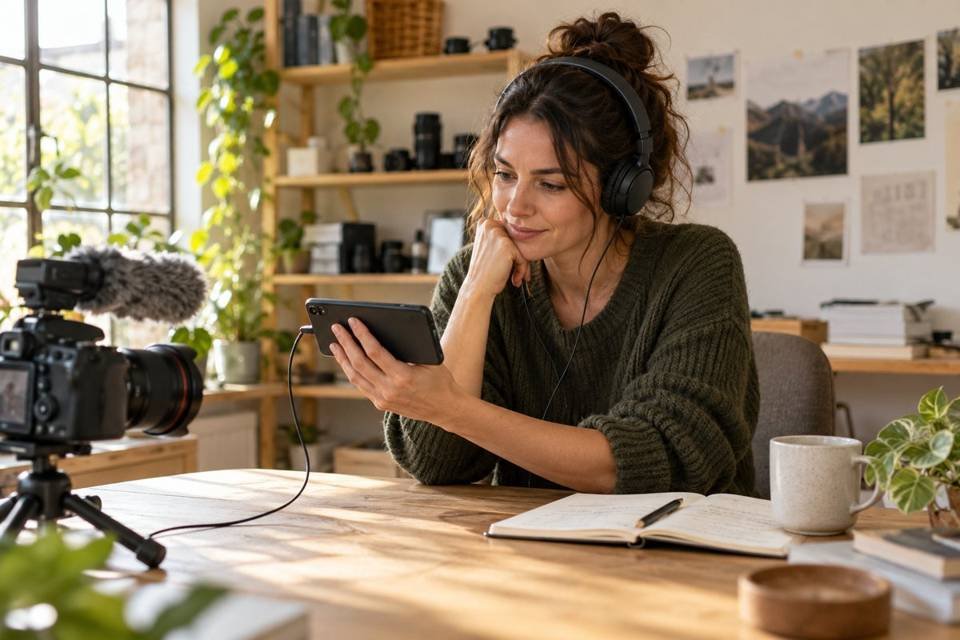
Before packing away the setup, check every essential shot. Listen to the beginning and end of spoken clips, inspect focus on the demonstrated detail, and confirm that no instruction was missed. Retake a missing measurement while the product and camera are still ready.
Edit around the answer: remove the walk into position, long pauses, repeated lines, and details that do not help the viewer. Add captions and correct names, measurements, and technical terms manually. W3C’s guidance on video captions explains their value for people who cannot hear the audio and for other viewing situations.
Keep a clean export without platform-specific music or interface elements. Save the source clips and project separately. Use a simple name such as mug-handle-check-master so you can find the right version later.
If you also publish to YouTube, check its Shorts upload requirements. As checked in October 2026, qualifying uploads can be square or vertical and up to three minutes long. That is a format limit, not a recommended length for this demonstration.
Use the creator content pipeline guide to plan useful adaptations. Change the framing or next step when the audience needs it; do not stretch one small answer into repetitive posts.
Measure what the filming change improved
Track usable finished videos and total production time. These tell you whether the process is becoming easier. Then review viewer response and relevant business actions, such as product questions, qualified inquiries, or visits to the promised guide.
Compare several similar posts before drawing conclusions. A different topic, offer, or audience can affect results as much as the camera setup. Use our social media audit process to choose the next change. Improve one weak point at a time.
Make the next recording easier
Choose one real question, build one dependable filming position, and finish one clear answer. Save the setup photo and your shot list. Your next session should begin with a working arrangement and a useful idea, so you can spend more attention on the explanation itself.
Frequently asked questions
Can I film Reels alone without a tripod?
Yes, if you have a secure, stable phone support that gives you the needed angle. Avoid precarious stacks and unsupported overhead positions. A tripod becomes useful when your current support makes framing or repeatability difficult.
Should I use the front or rear camera?
Use the camera that lets you get a reliable result. The front camera simplifies solo framing; the rear camera may offer better options on your phone. Test focus and framing before choosing.
Do I need 4K video for Reels?
No. Start with clear, well-lit 1080p footage if that fits your workflow. Consider 4K for cropping flexibility when your device, storage, and editing process support it. Check the final upload rather than judging resolution alone.
How can I make Reels without showing my face?
Film your hands, a product, or a safe process and add a clear voiceover or captions. Show the action that answers the customer’s question. Keep important visual details understandable without relying on an unexplained montage.
How many Reels should I record in one session?
Start with one complete Reel. Once you can reliably record and review it, add another idea that uses the same setup. Choose a volume that leaves time for editing and customer responses.
Why does my microphone sound bad even when connected?
The app may be using another input, clothing may rub against the microphone, or the room may be noisy. Record and listen to a short test. Check the app input and device compatibility before changing equipment.