This post contains affiliate links. As an Amazon Associate I earn from qualifying purchases, at no extra cost to you.
Search “how long can Instagram videos be” and page one hands you four different numbers: 90 seconds, 3 minutes, 20 minutes and 60 minutes. Most of those pages were written before October 26, 2026, when Instagram started testing Features, horizontal uploads of up to 90 minutes. So the honest answer to any Instagram long video question now has three parts, and mixing them up is how good videos quietly lose their reach.
This guide separates the three limits, shows which one each of your videos should aim for, and gives you a seven-step plan for an Instagram long video workflow that works whether or not your account is in the Features test yet.
Table of Contents
What an Instagram long video means right now: three limits, three jobs
Instagram no longer has one video length rule. It has a recommendation ceiling, an upload ceiling and a test format, and each one decides a different outcome.
Up to 3 minutes: the only length that reaches strangers
Instagram’s own Reels feature page says you can record and edit Reels up to 20 minutes, but the app warns that Reels over three minutes won’t be recommended to new audiences. That warning is the line that matters for growth. Anything past 180 seconds is effectively a followers-only post.
3 to 20 minutes: long Reels your existing audience sees
Between three and twenty minutes, Instagram still publishes your upload as a Reel. Followers can find it in their feed and on your profile, but Explore and the Reels tab won’t push it to non-followers. Think of this band as a newsletter, not an ad.
Up to 90 minutes: Features, the horizontal test
Features is a separate upload type for horizontal video up to 90 minutes, aimed at podcasts, vlogs, interviews and episodes. According to Social Media Today’s report on the launch, it was tested in Brazil first and reached select US creators on October 26, with wider access promised “in the coming months.” Instagram hasn’t published eligibility criteria, so there is no application form to hunt for.
Here is how the three options compare side by side:
| Format | Maximum length | Shown to non-followers? | Orientation | Best job |
|---|---|---|---|---|
| Short Reel | 3 minutes | Yes, eligible | Vertical | Discovery |
| Long Reel | 20 minutes | No | Vertical | Depth for followers |
| Feature (test) | 90 minutes | Via linked clips | Horizontal | Episodes, podcasts |
Adam Mosseri’s own framing explains the caution. As TechCrunch reported, he told viewers “For a long time, I have been against doing long-form video on Instagram” before conceding that Instagram would now lean in. This is the same company that shut down IGTV in 2022. Treat Features as promising, not permanent.
1. Give every video one length job before you edit
The most common mistake with an Instagram long video is editing first and deciding the format afterwards. Decide the job first, because the job sets the length.
- Discovery job (reach non-followers): 90 seconds to 3 minutes. This is where new followers come from.
- Depth job (serve people who already follow you): 3 to 20 minutes as a Reel. Tutorials, walkthroughs, client case studies.
- Destination job (hold an audience for an episode): a Feature, if you have access. Podcasts, interviews, long vlogs.
A small business doing a product demo usually needs two assets, not one: a 2-minute cut for discovery and a 12-minute walkthrough for buyers who are already warm. Publishing only the long one hides it from everyone who doesn’t know you yet.
A coach works the same way. A 75-minute live workshop recording becomes one Instagram long video for existing followers or for Features, three 10-minute Reels covering each module, and six clips under 90 seconds that each answer one question. One recording, three length jobs, ten posts. The long version still matters most for selling, because people who sit through it are the ones most likely to buy.
If you’re still working out where Instagram sits in your channel mix, our breakdown of the best social media platform for business in 2026 helps you decide how much long-form effort Instagram deserves compared with YouTube or LinkedIn.
2. Shoot horizontal masters that crop cleanly to vertical
Features wants horizontal video. Reels want vertical. Shooting twice is a waste of a recording day, so shoot one horizontal master and frame it for both. Every Instagram long video you plan should start from that single master file.

The trick is the “center column.” Keep faces, hands and on-screen text inside the middle third of a 16:9 frame. When you crop to 9:16 for Reels, nothing important falls off the edge. Put lower-thirds and captions in the center too, and leave the outer thirds for background.
Lock the phone or camera in landscape on a stable base. The Manfrotto Mini Tripod with Universal Smartphone Clamp is a sensible pick here because the clamp holds a phone sideways without a separate adapter, and the short legs fit on a desk for talking-head recordings.
Audio decides whether people stay for minute twelve of an Instagram long video. For two-person interviews or podcast-style Features, the DJI Mic 2 two-transmitter kit records both voices without cables crossing the frame, which matters when the same footage has to work at two crops.
Light is the third piece. A soft, single key light placed slightly off-axis flatters faces in both orientations. The Elgato Key Light Air MK.2 mounts on a desk and stays consistent across a 60-minute recording, which window light won’t. If you film alone, our guide on how to film Reels alone covers framing and focus checks that apply to horizontal setups too.
3. Build the long version from clips first
Instagram’s discovery engine still runs on short vertical video. That’s why it is testing Clips as Reels, which lets participating creators link up to eight Reels back to one longer video. Each clip becomes a doorway to the full Feature.
You can use that structure today, even without access, because it is simply good editing logic: plan the clips before you finalize the long cut. Without Features, point the clips at a long Reel on your profile instead. The habit you build now is exactly the one an Instagram long video needs later.
How to cut an Instagram long video into eight clips
- Mark eight moments while recording. Clap, raise a hand or say “clip” so you can find them on the timeline later.
- Give each clip one claim. A clip that makes two points ends up making none. One idea, one payoff.
- Open on the payoff, not the context. Lead with the result or the surprising line, then explain.
- Keep each clip under 3 minutes. Most should land between 30 and 90 seconds so they stay eligible for recommendation.
- End with a pointer. Say where the full conversation lives: your profile, the Feature, or a pinned post.
- Number the clips internally. Clip 1 should be your strongest hook, because it carries the most weight.
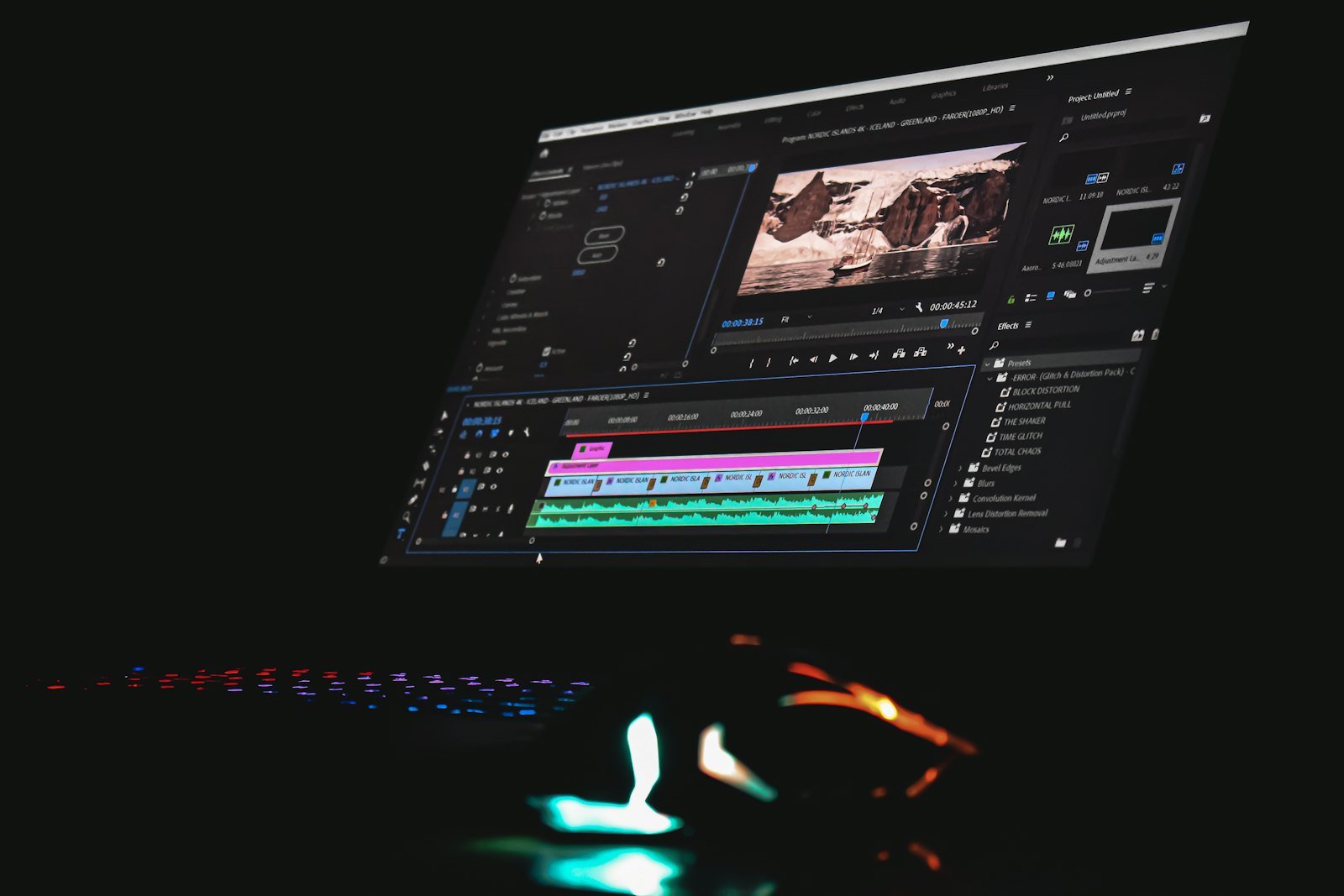
The creator content pipeline system we use for turning one idea into ten posts fits this perfectly: the horizontal master becomes the “pillar,” and the clips become your derivative posts. If you edit on your phone, Instagram Edits handles the vertical crops and captions without a desktop.
Storage is the boring problem nobody plans for. A 60-minute 4K master can run into tens of gigabytes per camera angle, so offload raw files to something fast and durable. The Samsung T7 Shield 2TB portable SSD is a practical choice because it’s rugged enough to travel and fast enough to edit directly from.
4. Check the money before you commit hours
Here’s the question most coverage skips: who pays you for the 90 minutes?
On YouTube, the answer is written down. YouTube’s partner earnings page states that creators who accept the Watch Page Monetization Module receive 55% of net ad revenue on their long-form videos. Instagram has announced no equivalent ad revenue share for Features.
What Instagram is doing instead is paying selected creators directly. Business Insider, as summarized by Yahoo Finance, reported deals worth up to $500,000 for some creators to post long videos, with no exclusivity and a request to upload on the same day as YouTube. A Meta spokesperson confirmed it is funding Features content for some creators.
Run a quick estimate before you choose where the full episode lives. Social Media Today, citing VidIQ, put typical YouTube Partner Program earnings at roughly $1 to $10 per 1,000 long-form views. Treat that as a rough industry estimate, not a promise. On that basis, a 45-minute interview that gets 10,000 YouTube views might earn somewhere between $10 and $100 in ads. The same Instagram long video earns nothing from views alone, but if two viewers book a $500 consultation from it, Instagram wins easily.
For everyone else, the practical math is simple:
- If your long video earns ad revenue on YouTube, publish there first and treat the Instagram long video version as a bonus distribution channel.
- If your income comes from clients, products or sponsors, Instagram’s in-app viewing can be more valuable than YouTube ad cents, because your buyers are already in your Instagram audience.
- If you sell sponsorships, price the Instagram upload as a separate placement, since the same sponsor read now reaches two audiences.
Before you plan an Instagram long video series around income, our social media monetization strategy guide covers choosing the revenue model before the platform.
In that interview with Colin and Samir, Mosseri walks through why Instagram reversed course on long-form, how creators will be discovered, and how monetization is expected to evolve. The monetization section starts around the nine-minute mark and is worth watching before you plan a series.
5. Write and edit for the TV screen, not only the phone
Features is built for horizontal viewing, and Instagram has been expanding its TV app, including on Apple TV. TechCrunch also reported that viewers can save a longer video and send it to the Instagram app on their TV. That changes the edit.

Phone viewers forgive a lot. A viewer on a couch eight feet from a screen does not. Three adjustments make an Instagram long video feel native on a television:
- Use chapters in speech, not just in text. Say “Part two: pricing” out loud. TV viewers glance away and need audio signposts.
- Make on-screen text larger and fewer. One line, high contrast, held for at least three seconds.
- Cut dead air, but keep breathing room. A long video can be slower than a Reel, yet every pause should earn its place with a reaction or a visual.
These changes also improve the vertical clips, because larger, centered text survives the crop.
Titles and covers need the same treatment. On a TV grid, a viewer sees a small horizontal tile and a few words. Name the outcome (“How we cut our ad costs in half”) rather than the format (“Episode 14”), and put a face plus three words on the cover. An Instagram long video with a vague cover loses the click before the first second plays.
6. Measure long videos with the right signals
Reach is the wrong scoreboard for an Instagram long video, or for anything past three minutes. Buffer’s analysis of about 2.7 million Reels published through its tool between January 1 and August 15, 2026 makes the trade-off concrete. In Buffer’s Reels length study, Reels of 180 seconds or longer reached about 49% fewer people than each account’s own baseline, yet they posted the highest engagement-rate lift of any length bucket.
Reels of 90 to 179 seconds showed the best reach lift, though Buffer notes the typical account saw a modest gain of roughly 4%. In other words, long videos convert attention you already have; short videos earn new attention.
So track different numbers for each job:
- Discovery clips: reach to non-followers, follows per 1,000 views, shares and sends.
- Long Reels and Features: average watch time, percentage watched, saves, comments, profile visits and link clicks.
- Business outcome: DMs, bookings, sign-ups or sales in the seven days after publishing.
Our explainer on why watch time now rules the Instagram algorithm shows where to find these numbers in Insights. Compare each video against your own median rather than against a viral outlier, and give a long upload at least seven days before judging it.
A simple review routine keeps this honest. Check every Instagram long video at 24 hours and again at 7 days, and log four numbers in a spreadsheet: views, average watch time, saves and profile visits. After five uploads you’ll see a pattern. If average watch time sits under 15% of the runtime, the video is too long for the topic, so cut the next one shorter. If saves are high but views are low, the content is good and the clips aren’t doing their discovery job, so rework the hooks instead of the episode.
7. Prepare an Instagram long video pipeline before access arrives
Features is still a test, and you can’t request it. You can, however, be ready on the day it appears in your upload menu. Creators who already have horizontal masters, clip plans and thumbnails will publish in a week what others need a month to assemble.
Use this readiness checklist:
- Pick one recurring show for your Instagram long video slot. A weekly client Q&A, a monthly interview or a product teardown. Series beat one-offs.
- Bank three episodes. Record them horizontal, with eight clip markers each.
- Test long Reels now. Post one 8- to 12-minute Reel to see how your followers respond before Features exists for you.
- Test your clips first. Use Instagram Trial Reels to find which hook earns the most non-follower views before you commit the full episode.
- Design a horizontal thumbnail. Features will appear on TV screens, where a vertical cover crop looks broken.
- Write a 2-line description template. Who it’s for, what they’ll learn, and the timestamp of the best moment.
If you run interviews or podcast episodes, a broadcast-style dynamic mic is worth the upgrade for the long cut. The Shure MV7+ connects over USB-C or XLR, so it works for a solo laptop setup now and a mixer later.
Instagram long video mistakes that waste the effort
- Uploading a 20-minute Reel and expecting discovery. It won’t be recommended to non-followers.
- Cropping a horizontal video to vertical without reframing. Heads cut in half signal low effort and kill retention in the first seconds.
- Posting the long version with no clips. Without short doorways, almost nobody finds the destination.
- Copying YouTube titles word for word. Instagram search reads captions and on-screen text, so describe the problem the episode solves in plain words.
That last point connects to a larger shift: people now search social platforms the way they search Google. Our guide to social media search engine strategy shows how to write captions that get found.
Instagram long video FAQs
How long can an Instagram video be in 2026?
Reels can be recorded or uploaded at up to 20 minutes, but only Reels of 3 minutes or less are recommended to non-followers. Features, a horizontal format still in testing with select creators, allows videos up to 90 minutes.
What is Instagram Features?
Features is Instagram’s test format for horizontal videos of up to 90 minutes, designed for podcasts, interviews, vlogs and episodes. It launched to select US creators on October 26, 2026, after an earlier test in Brazil.
How do I get access to Instagram Features?
There is no application form. Instagram is enabling Features for selected creators and has said access will expand in the coming months. Check the upload menu after app updates, and prepare horizontal episodes in the meantime.
Do Instagram Reels over 3 minutes get recommended?
No. Instagram says Reels longer than three minutes won’t be recommended to new audiences, so they mainly reach existing followers. Use clips of 3 minutes or less for discovery and point viewers to the longer version.
Does Instagram pay creators for long videos?
Instagram has not announced an ad revenue share for Features. Business Insider reported that Meta is paying some selected creators directly, with deals worth up to $500,000, but most creators should rely on sponsorships, clients or products.
Should I post the same long video on YouTube and Instagram?
Usually yes, if your rights and sponsor agreements allow it. YouTube pays partners a share of long-form ad revenue, while Instagram puts the video in front of an audience that already engages with you. Publish both, then compare saves, comments and leads.
Your next Instagram long video starts with one clip
The fastest win this week isn’t a 90-minute Feature. It’s choosing one recording you already have, cutting the strongest 60-second clip, and posting it with a clear pointer to the full version. Then watch saves, sends and profile visits for seven days. If people follow the pointer, you have proof that your audience wants depth on Instagram, and a ready-made plan for the day Features reaches your account.